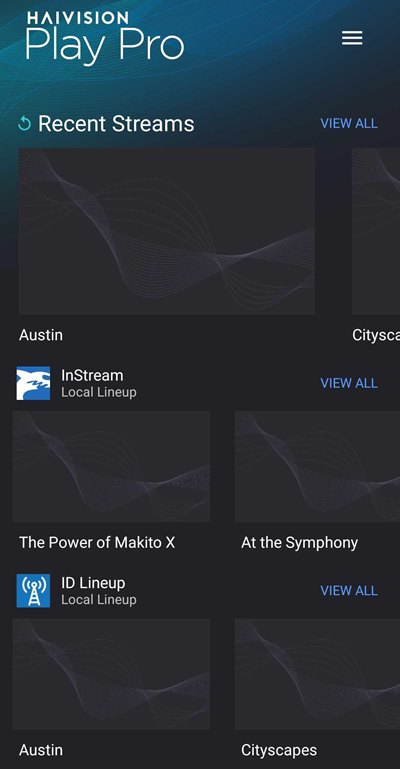
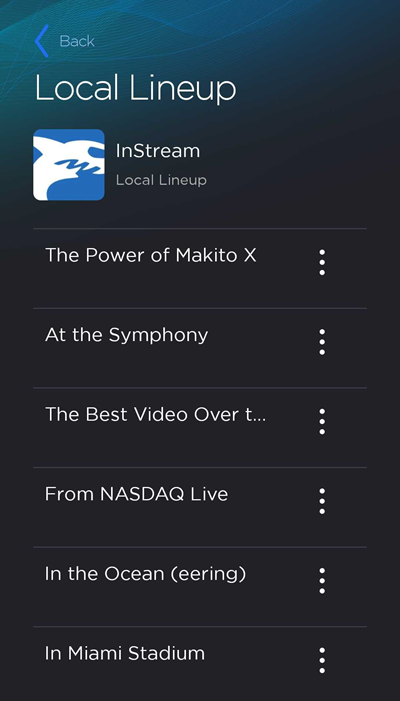
On the Streams screen, select a channel from the Recent Streams section or from a Local Lineup channel list.
Note
For quick access, recently viewed channels are displayed at the top of the Streams screen under Recent Streams.
Channels with the Play function allow you to tune in and watch a stream on your device. Channels with the Stream function launch a stream using your device's camera as the video source.
Tap View All on a Local Lineup to view its channels.