
Using the Streams Screen
After initial sign-in, you are taken to the 
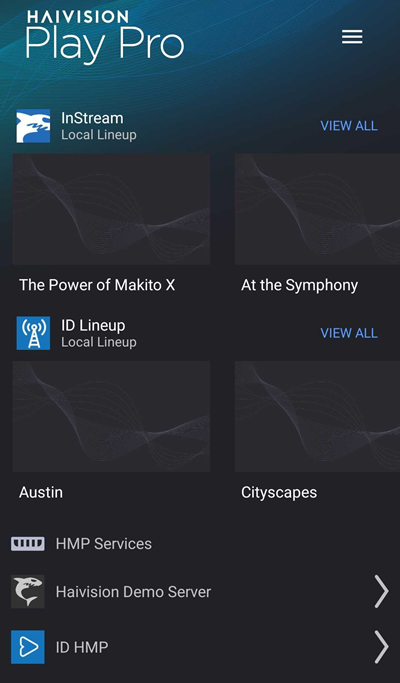
To access the Streams screen:
Tap the
 icon to open the side menu.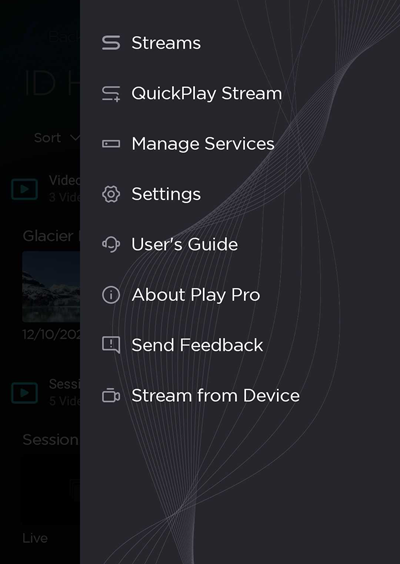
Select
Streams.
After initial sign-in, you are taken to the
To access the Streams screen:
Tap the icon to open the side menu.
Select Streams.