
Viewing HMP Content
After adding an HMP service, you can browse its content in Play Pro, and, if permissions allow, Stream from Device to HMP.
To browse HMP content:
On the
 Streams screen, scroll down to HMP Services and select the HMP you wish to access.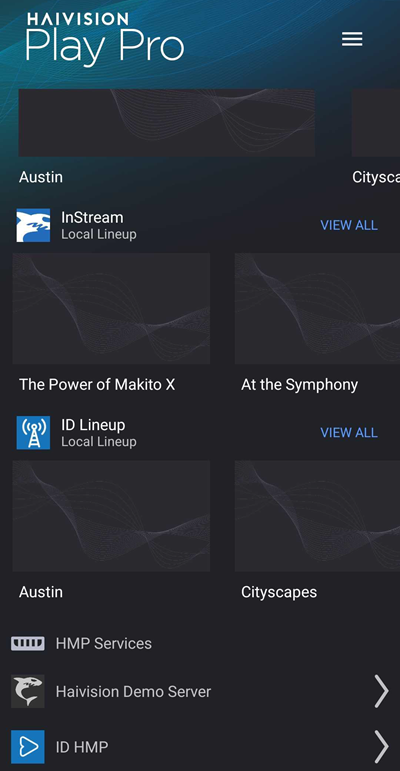
If prompted, sign in with your HMP credentials.
You can now browse and interact with the HMP through Play Pro.
Filtering and Sorting HMP Content
To search, sort, and filter HMP content:
On the Streams screen, tap the HMP Service you wish to access.
Tap the Sort


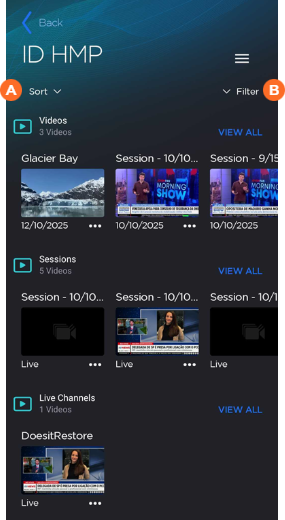
For Sort:
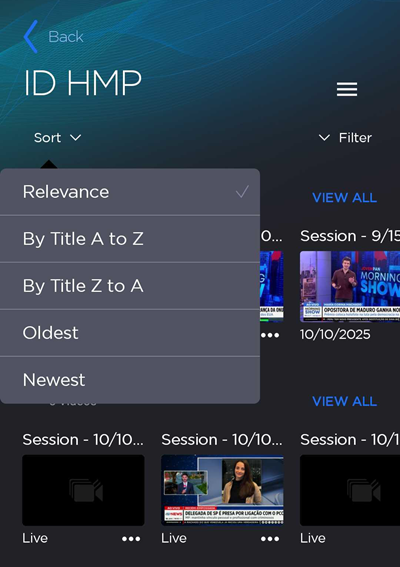
Select your sort preference from the list of sort options.
For Filter:
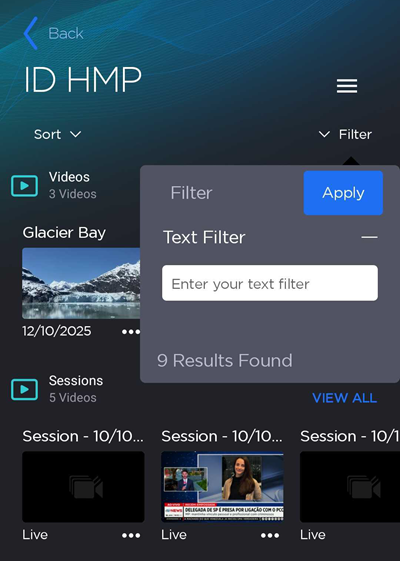
Enter a Text Filter or select an existing filter and tap Apply.