
What's New or Changed for 1.12
The Haivision Hub 360 1.12 release adds the following new features:
Queue Firmware Updates
If your appliance is offline or currently Live and you start a firmware upgrade, the upgrade is queued and will start when the appliance comes back online or the Live completes. |
Transmitter Configuration Files
Added ability to import transmitter and SIM configuration files and apply them to your connected Air, Pro, Rack, and Falkon devices. |
Telemetry History in Master Control
We now store up to 24 hours of telemetry on the server, giving you the flexibility to view the last 5 minutes, 1 hour, or 24 hours of data instantly within the graphs of your transmissions. |
Export Appliance Details and Serial Numbers
You can now export the details of each of your organization’s appliances, as well as export the serial numbers of all appliance types, not just Makitos. |
Added Confirmation Dialog when Disabling a Live Route
On the Master Control, if you disable a Live route by clicking the 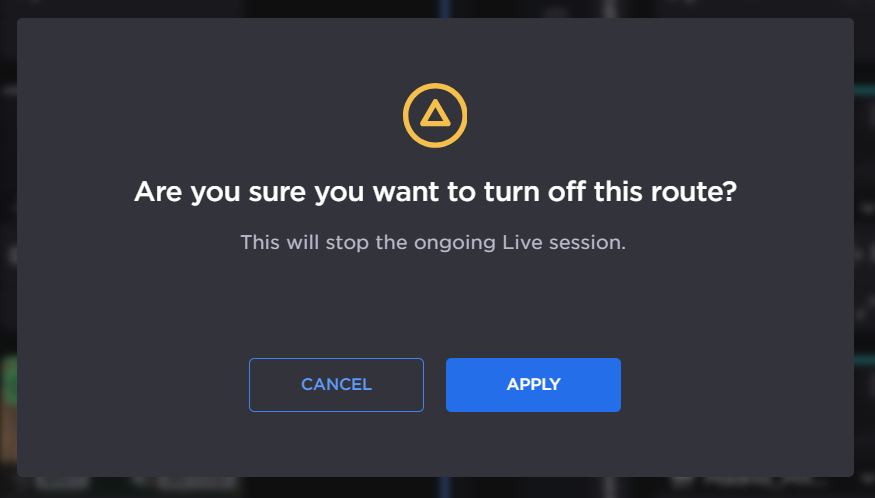 Stop Live Confirmation |

Cellular Data Usage Screen is in UTC Time
Added a note that the information displayed in the cellular data consumption screen is based on UTC time, not the local browser’s time. |
Ability to Configure Buffering Mode on Makito Decoders
In Appliances, you can now configure the buffering mode for the Makito Decoder cores. |
Cloud StreamHub Video Return Ports
When creating a Cloud StreamHub, ports for the video return feature (port numbers 5010+, depending on the size of the Cloud StreamHub) are added to the port rules by default. 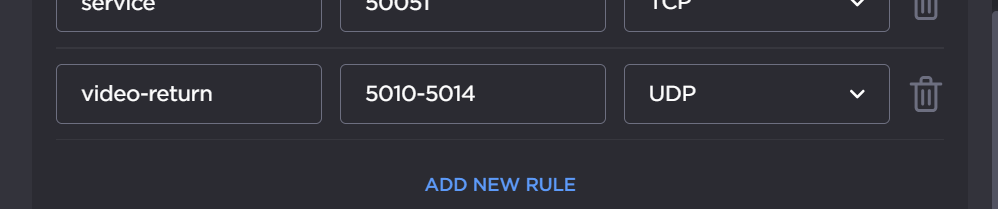 |
|
Hub 360 Status Page
A Hub 360 system status page is now available, see https://status.haivision.com. You can also find this link on the Help Center page. |
Increased Number of Viewable Appliances
The Appliances screen can now display up to 200 devices without applying filters. |
|
Extended E-mail Verification Time
During the sign-up process, the lead time to enter the code for e-mail address verification is extended to 10 minutes. |
|