Exporting Appliance Information
To export the information about all devices attached to your organization:
Click Appliances in the sidebar.
Click the checkbox next to each appliance you wish to include. If necessary, use the available filters to help shorten the list.
Click the Actions button.
Select Export Devices Information.
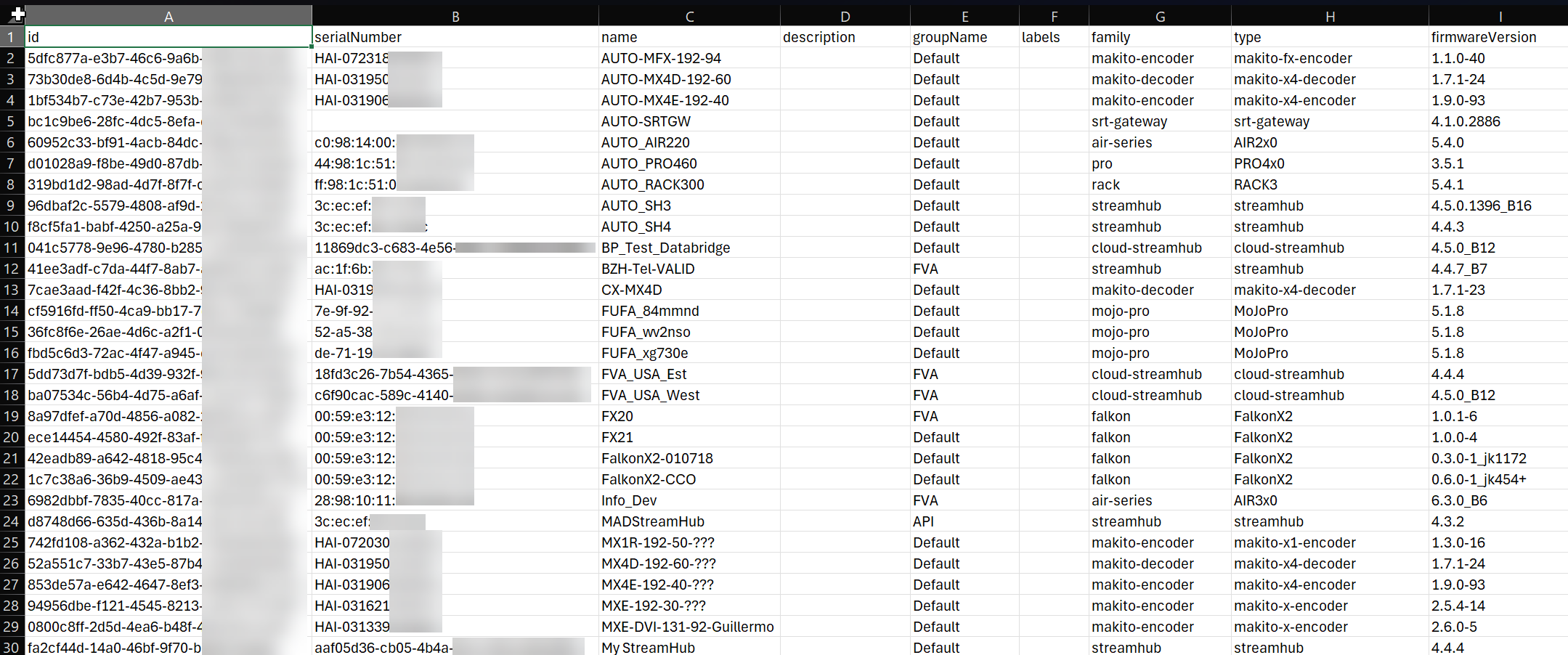
Your browser downloads a CSV file. When opening with a spreadsheet program, the various details of each selected appliance are shown.