
Importing a Local Lineup
In addition to being paired with HMP, Play Pro can also be used in standalone mode with imported Local Lineups.

Note
Tapping on an exported .haiplay Local Lineup file on a supported device allows the lineup to be copied directly into Play Pro.
To manually import a Local Lineup from a URL:
Tap the
 icon to open the side menu.
Select
 Manage Services.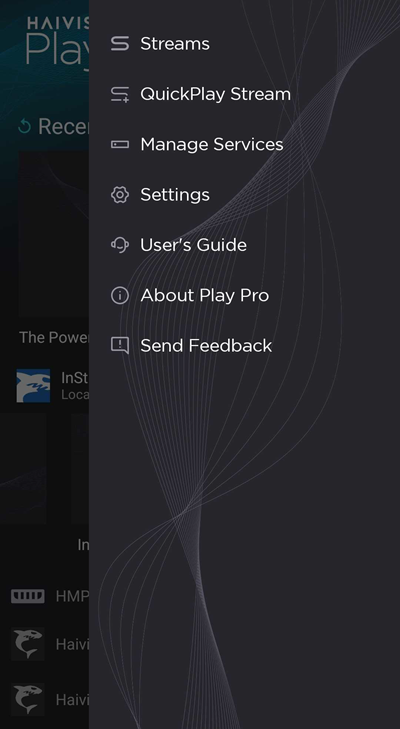
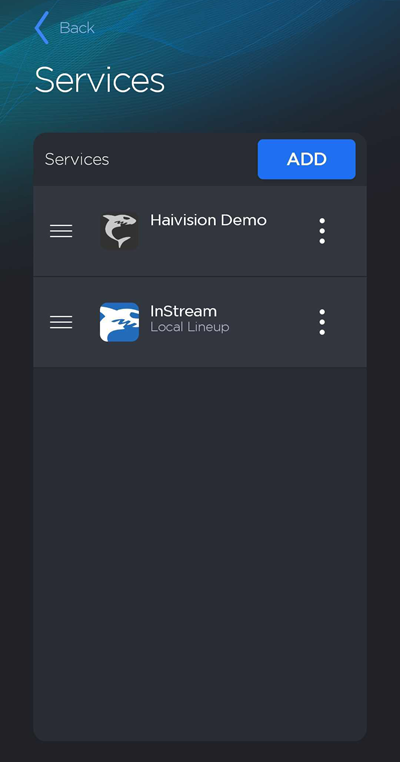
On the Services screen, tap the Add button.
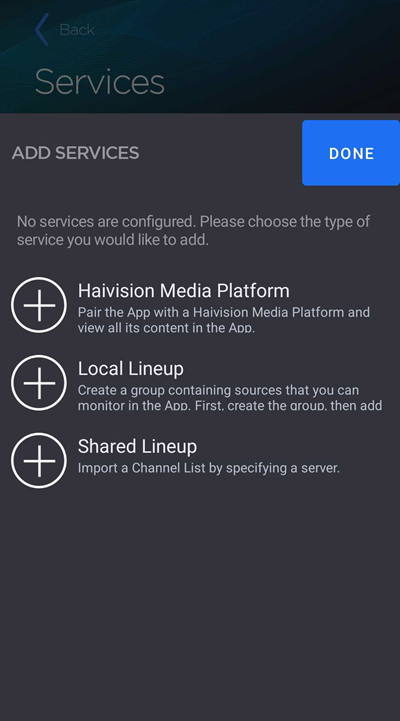
Select Shared Lineup.
Enter the URL of the server hosting the Local Lineup file.
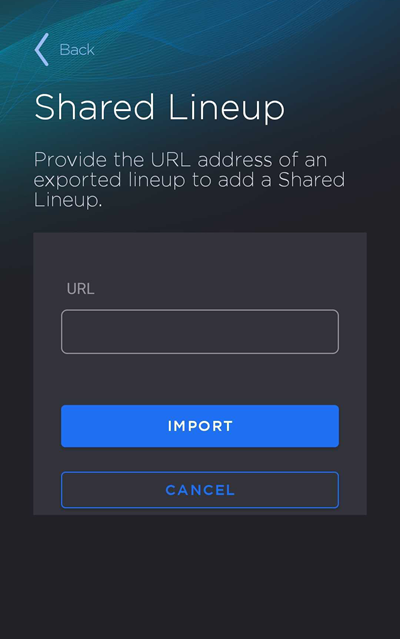
Tap Import.
If prompted, enter the passphrase to access the lineup.
You can view the contents of the imported lineup on the 
Related Topics