
Local Lineup Actions
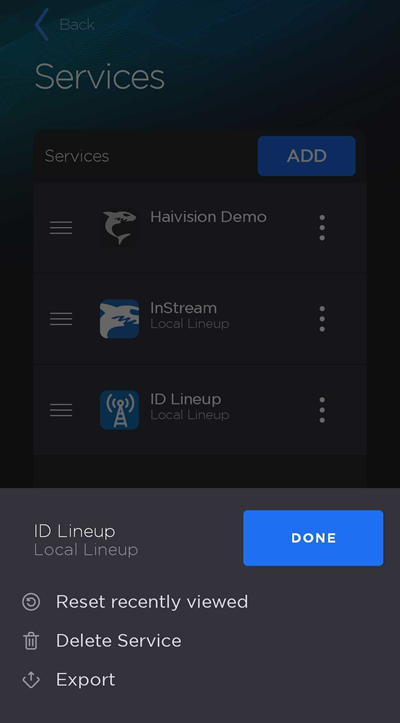
To view Local Lineup actions:
Tap the
 icon to open the side menu.
Select
 Manage Services.
On the Services screen, tap the
 icon on a Local Lineup to take the following actions:
Reset recently viewed to return the lineup to its original channel order. This will clear the Recent Streams section on the Streams screen.
Delete Service to delete the lineup from Play Pro.
Export the lineup file. See Exporting Services for more information.