
Adding Services
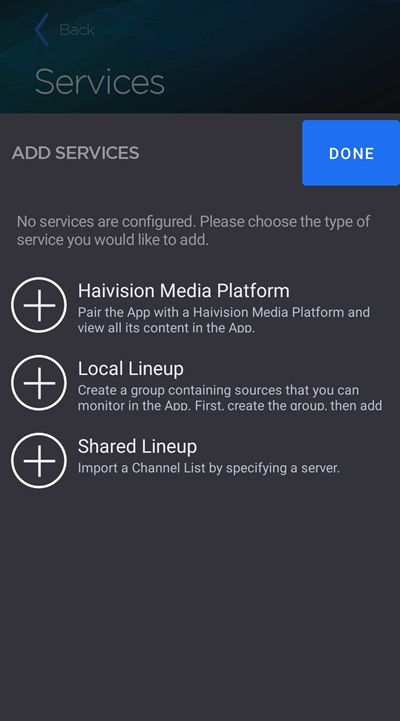
Services include connecting to a Haivision Media Platform (HMP), creating a local lineup channel list, and importing a shared local lineup.
To begin adding a service:
Tap the
 icon to open the side menu.
Select
 Manage Services.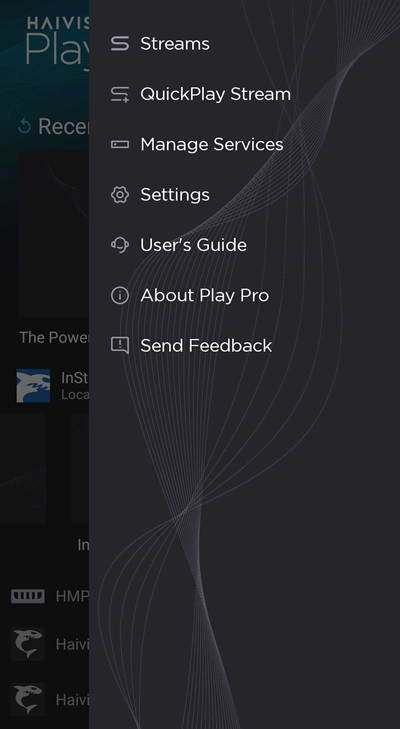
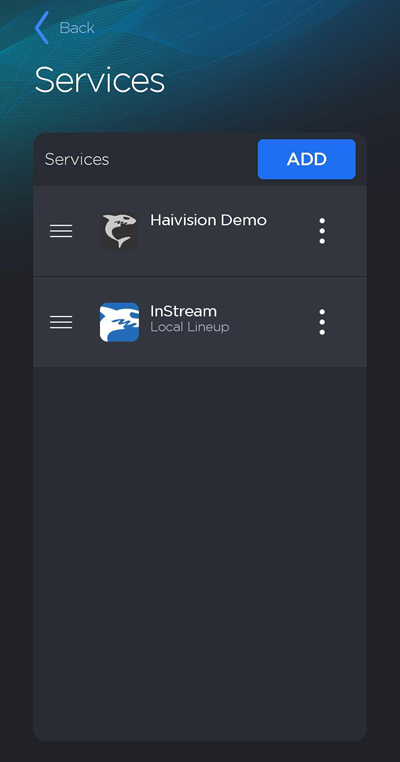
On the Services screen, tap the Add button.
Select an option: Haivision Media Platform, Local Lineup, or Shared Lineup.
See the topics below for instructions on adding each service type: