
Connecting to HMP
The Play Pro app can be paired with a Haivision Media Platform (HMP) to play back HMP content or as a streaming destination for your device.

Note
Play Pro supports single sign-on (SSO) for HMP. For information on configuring SSO, please refer to the HMP user documentation.
To connect to HMP with Play Pro:
Tap the
 icon to open the side menu.
Select
 Manage Services.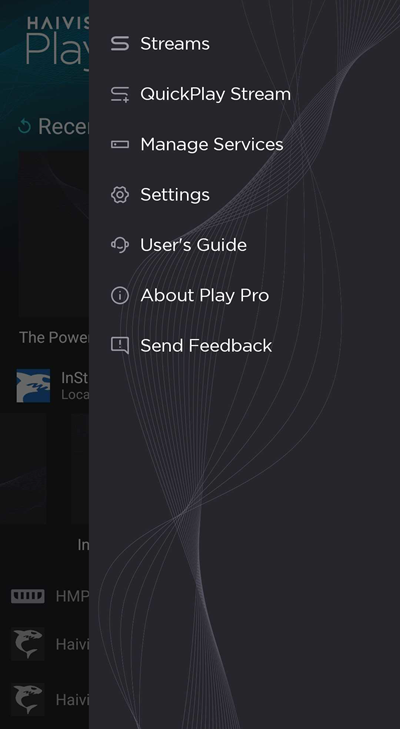
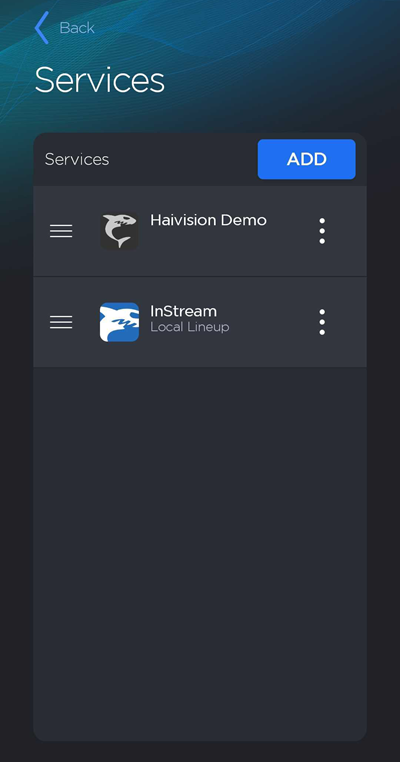
Tap the Add button.
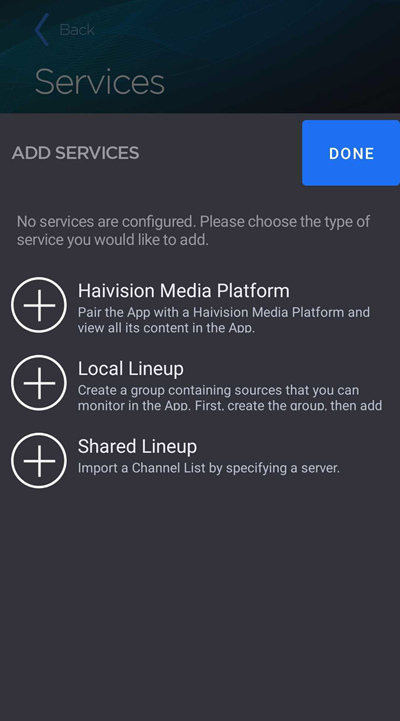
Select Haivision Media Platform.
Enter the HMP URL.
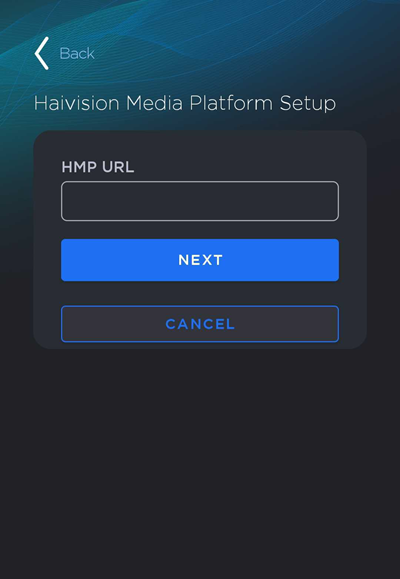
Tap Next.
(Optional) Edit the HMP Nickname and add an Icon for easy identification.
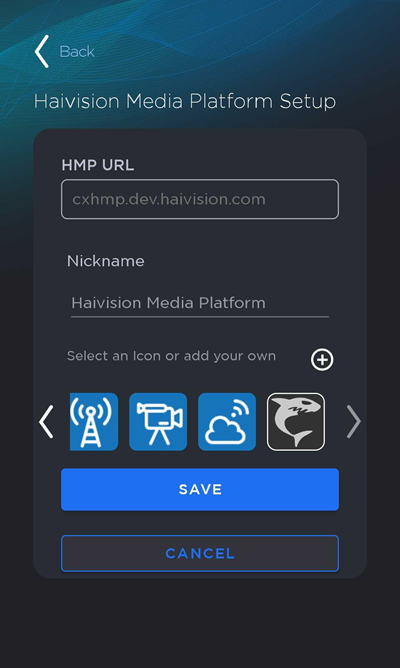
Tap Save.
The new HMP is added to the bottom of the Services screen.
Related Topics