Accounts

Note
The Accounts tab is only available if the Command 360 Identity Provider (IdP) is used; this does not appear when the system is configured for a third-party IdP.
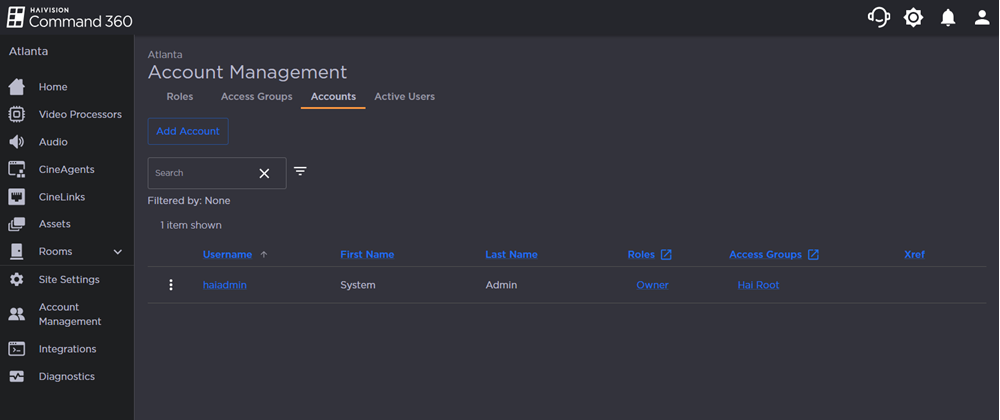
As shown in the Accounts section of the Account Management screenshot below, user accounts appear in a searchable, sortable summary table and display each user's Username, First Name, Last Name, assigned Roles and Access Groups, as well as optional Xref tags.
Hover over any column heading and an arrow appears to the right of the heading that can be clicked to toggle ascending or descending order. The list will re-sort accordingly.