
Rebooting the Decoder
To reboot the decoder:
Click Settings on the sidebar and select the System tab.
On the System page, click Reboot.
The reboot confirmation dialog appears.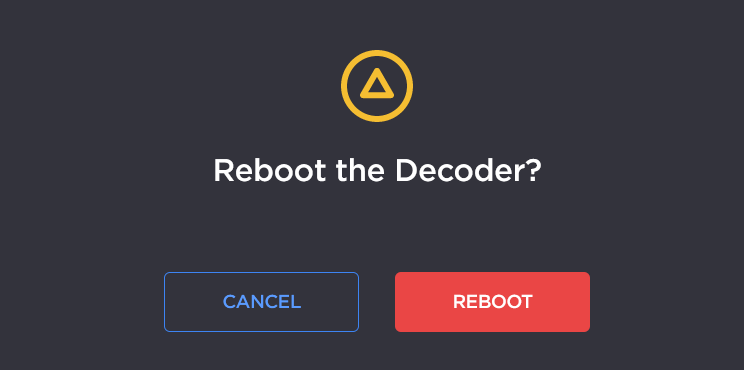
Click Reboot again to reboot the decoder. If you do not wish to reboot the decoder, click Cancel.
The decoder will reboot and you will be returned to the Sign-in page. Please note that if Autosave is disabled and you did not save your configuration/presets, you will end up with the default configuration with no streams at all.

Tip
You can also reboot the decoder from the Configuring Network Settings, Configuring Date and Time, and Enabling and Disabling Network Services pages.