
Creating a Route on Gateway
If you have not already done so, sign in to the Media Gateway/SRT Gateway Web interface.
In the sidebar, click Streaming and click the Inputs tab.
On the Route List screen, click the Add Input button.
Enter an Input Name, select TS over UDP for the Protocol (for this example), and enter the port number of the source Makito X4 Encoder (see Step #10 in Setting Up a Makito Source Stream).
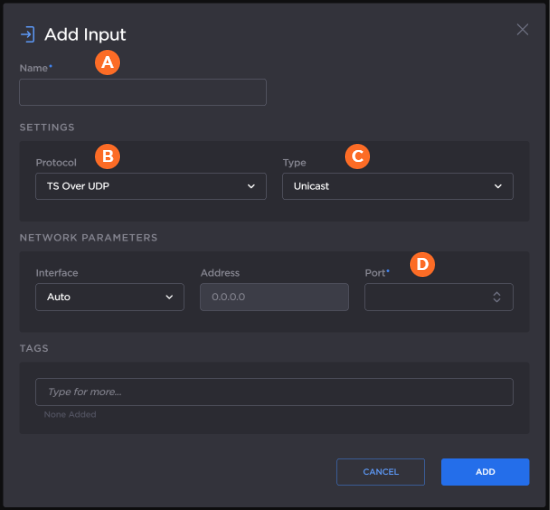
Click the Add button, and the new input is added to the inputs list.
Click the Outputs tab and click the Add Output button.
In the Add Output dialog, provide an output name, select TS over UDP for the protocol, and enter the IP Address and port number of the destination Makito X4 Decoder (see Step #4 in Setting Up a Makito Destination).
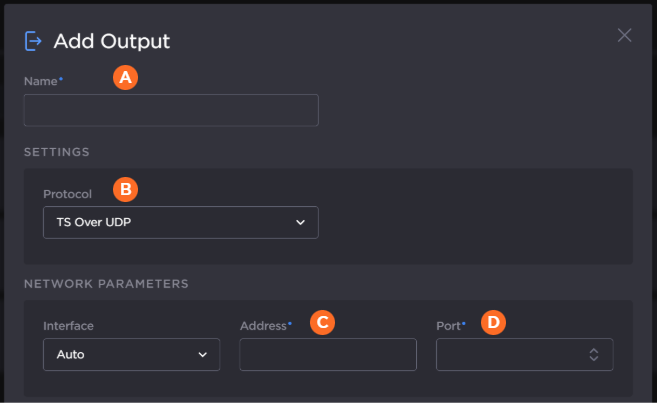
When finished, click the Add button. The new output appears in the outputs list.
Click the Routes tab and click the Add Route button.
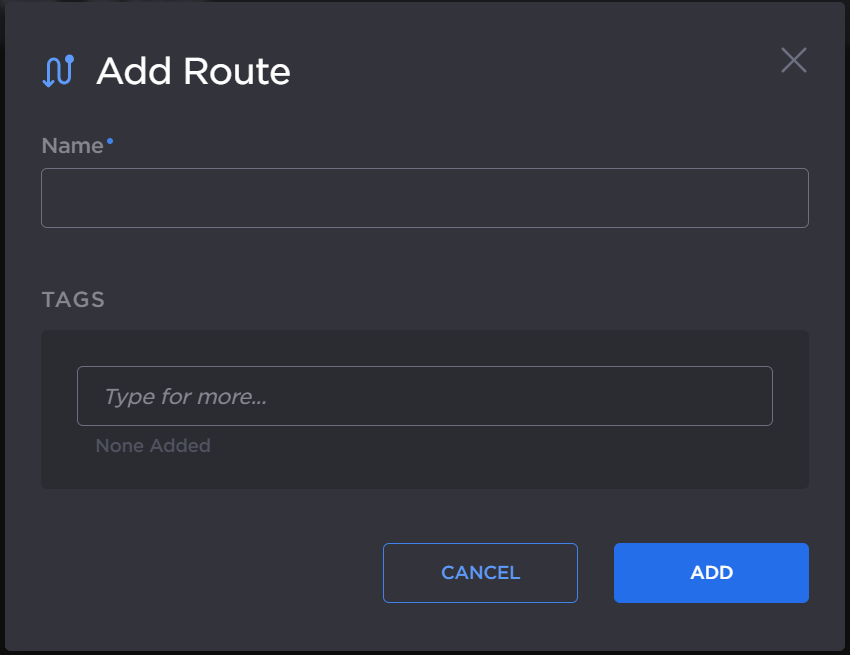
In the Add Route dialog, enter a Name and click the Add button.
The Route Editor opens. Drag the Input and Output you created in the previous step onto the editor to define the route.
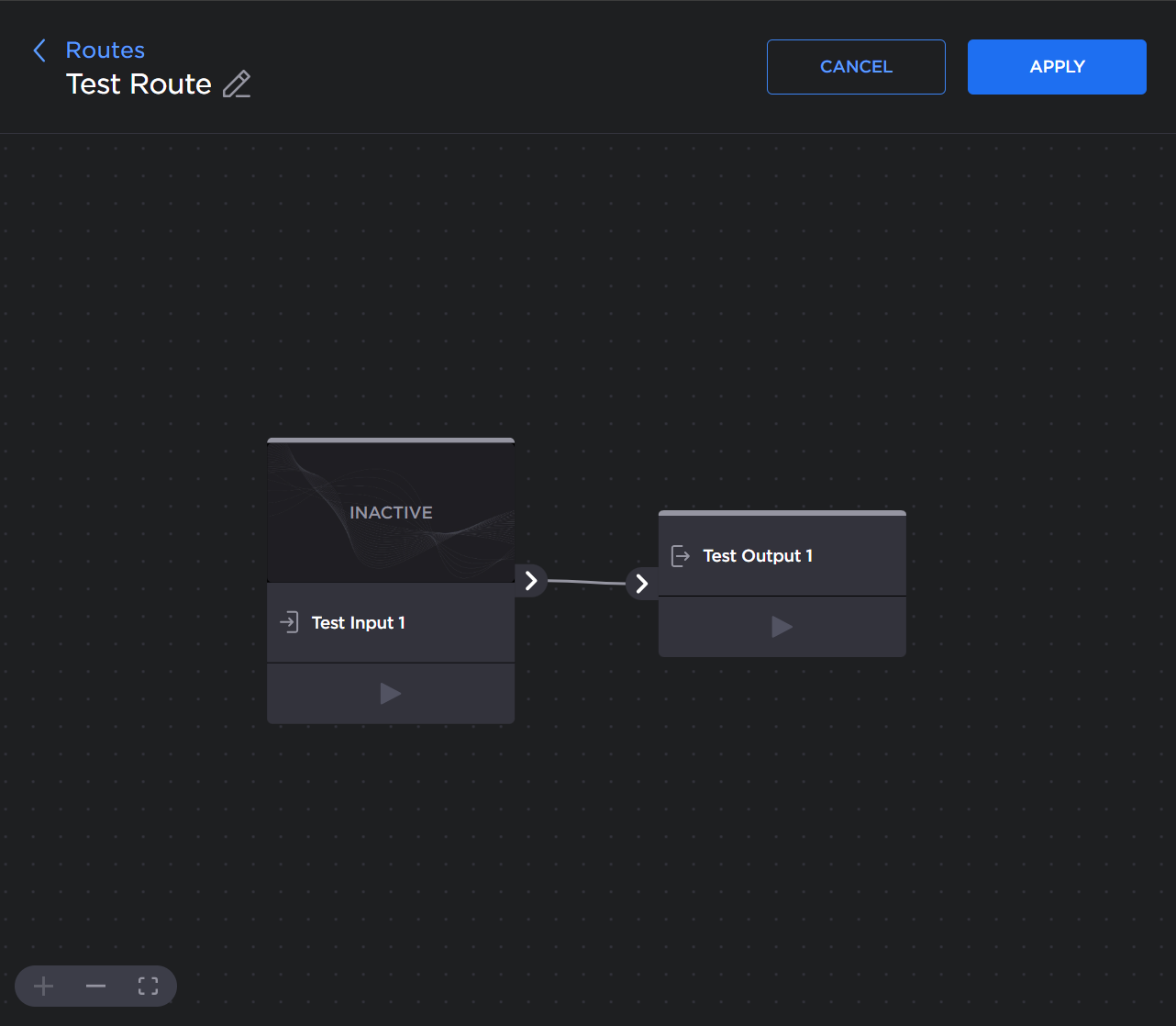
Click the Apply button, and click the < Routes link to return to the routes list.
On the Route List screen, click the button. Verify that after a few seconds the status indicator is green.

You should now see the video from the source Makito X4 Encoder relayed via Media Gateway/SRT Gateway to the monitor connected to the destination Makito X4 Decoder.