
Uninstalling the Old IPX Driver
If an IPX driver is already installed, it must be uninstalled before upgrading:
Open the Start menu and search 'apps.'
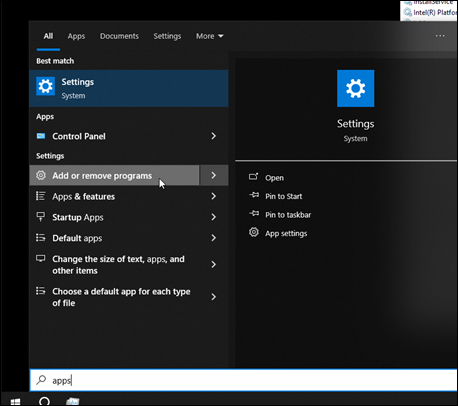
Click Add or remove programs.
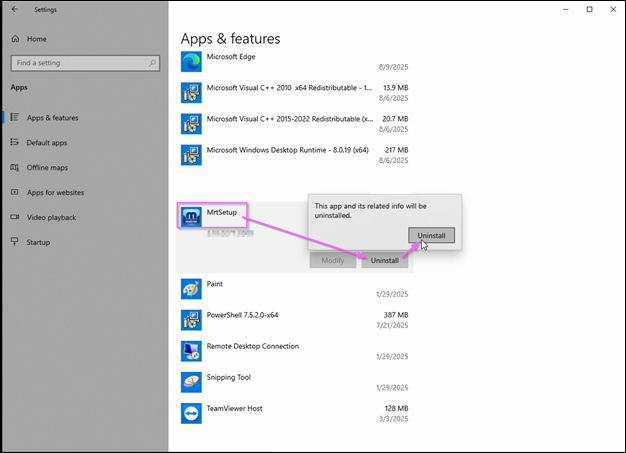
Under Apps & features, locate MrtSetup.
Click Uninstall and confirm.
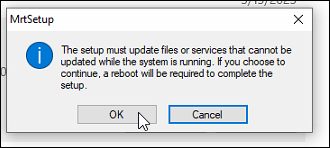
Click OK.
Click Yes.
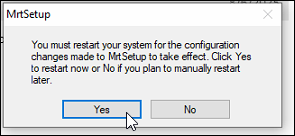
After the the old driver is uninstalled and the system reboots, continue to Installing the New IPX Driver.