
Installing the New IPX Driver
After the new driver package is downloaded, unzip it and run MRTSetup using all default options:
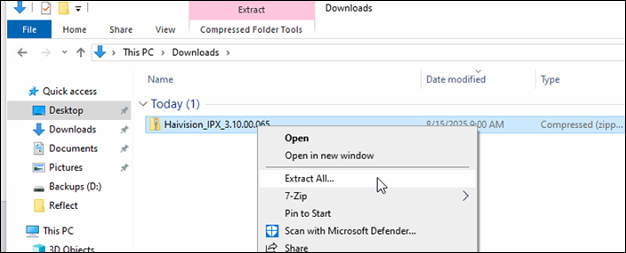
Locate the driver package in File Explorer.
Right click the folder and click Extract All.
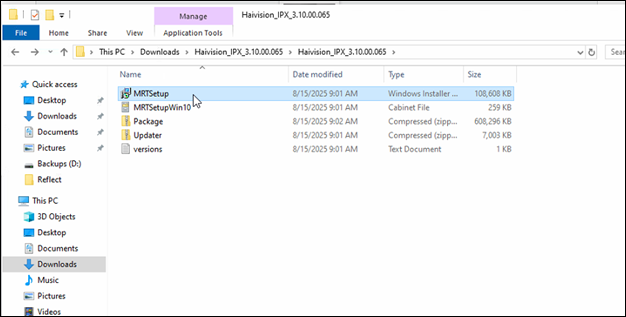
Access the unzipped folder and double click MRTSetup to launch the installer.
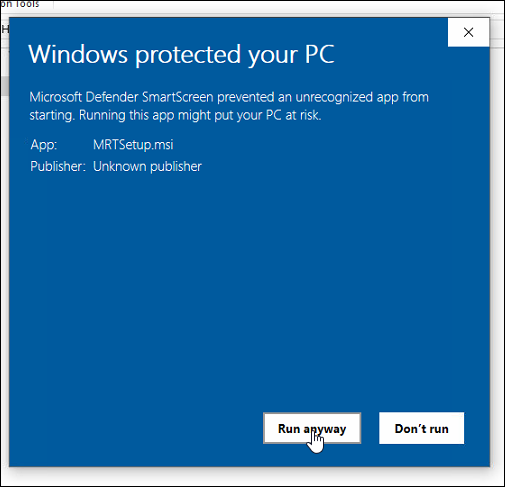
If a Windows Defender prompt appears, click Run anyway.
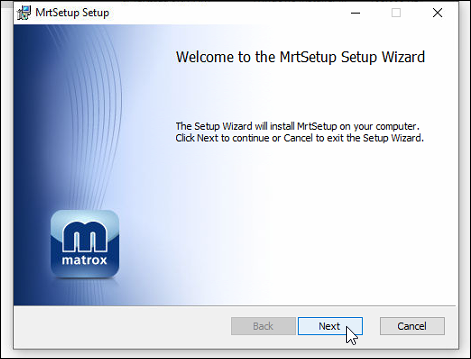
In the Setup Wizard, click Next.
Accept the license agreement and click Next.
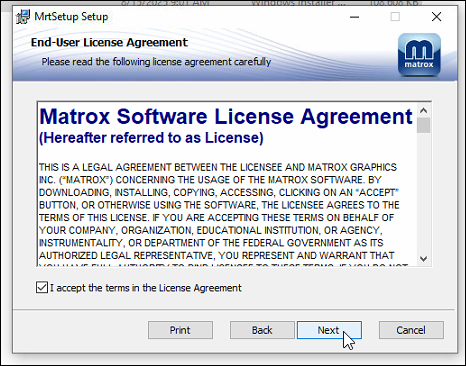
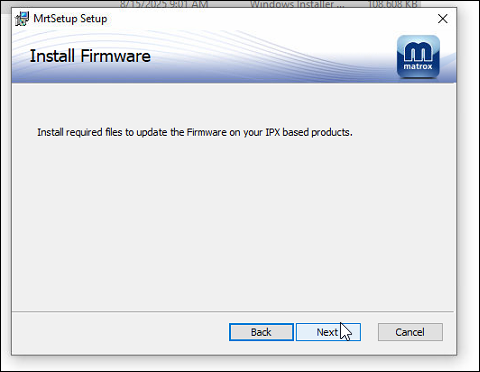
Click Next.
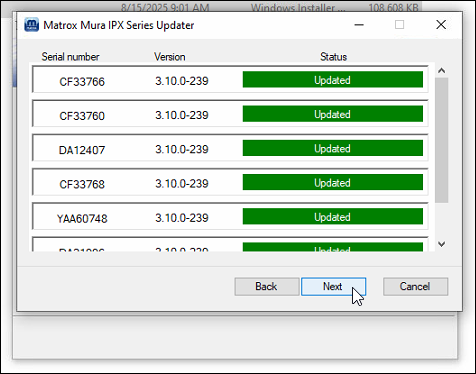
Review the cards to be updated and click Next.
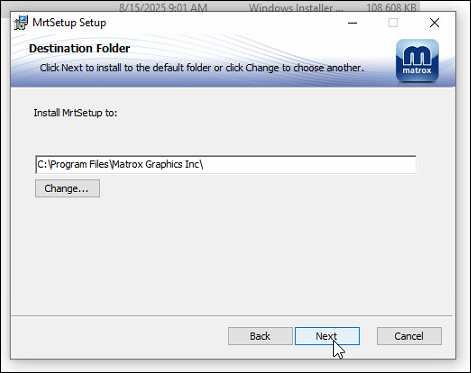
Accept the default install location and click Next.
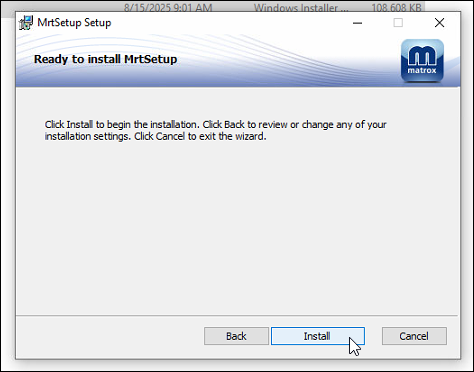
Click Install.
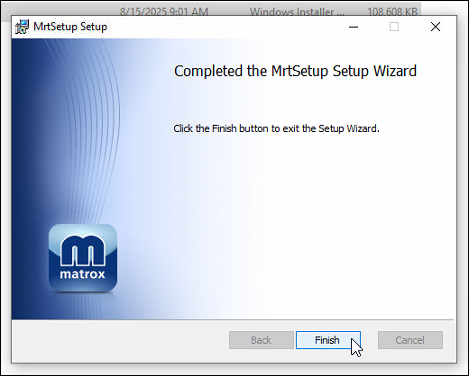
Click Finish to exit the installer.
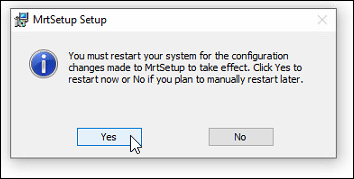
When prompted, click Yes to reboot the system.
Continue to Setting the Bootstrapper to Automatic (Delayed Start).