
Configuring a Destination Profile
Click
 and
and  to access the Destination Profile Config menu. By default no profile exists.
Click
 to create a destination profile.
Click on the Profile Name field.
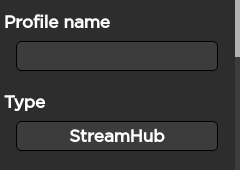
Use the keyboard to enter the new Profile Name.
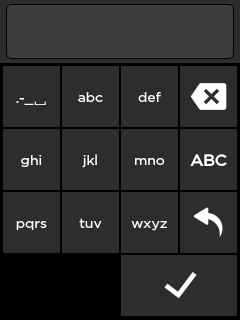
Click
 .
.Click
 to configure the profile settings.
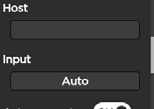
Select the Host type and set the corresponding IP address.
Click
 to save the new Destination Profile.
Click
and to access the Destination Profile Config menu. By default no profile exists.Click
to create a destination profile.Click on the Profile Name field.
Use the keyboard to enter the new Profile Name.
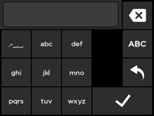
Click
.Click
to configure the profile settings.Select the Host type and set the corresponding IP address.
Click
to save the new Destination Profile.
See Adding a Destination Profile for more information about the fields according to the host type.