Deleting an Input or Output
To delete the input or output, it must not be part of any route. Browse the Routes tab to ensure the input or output you wish to delete is not used. See Removing an Output from a Route for details.
After ensuring the input or output is not within a route, to delete it:
In the sidebar, click
 Streaming.
Click the Inputs or Outputs tab.
In the inputs or outputs list that appears, find the input or output you wish to delete.
Click the
 icon and click
  Delete.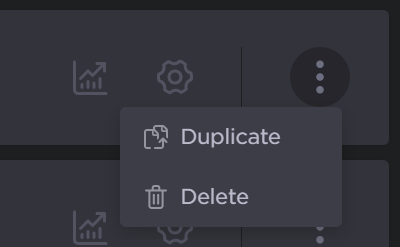
In the confirmation dialog, click the Delete button.
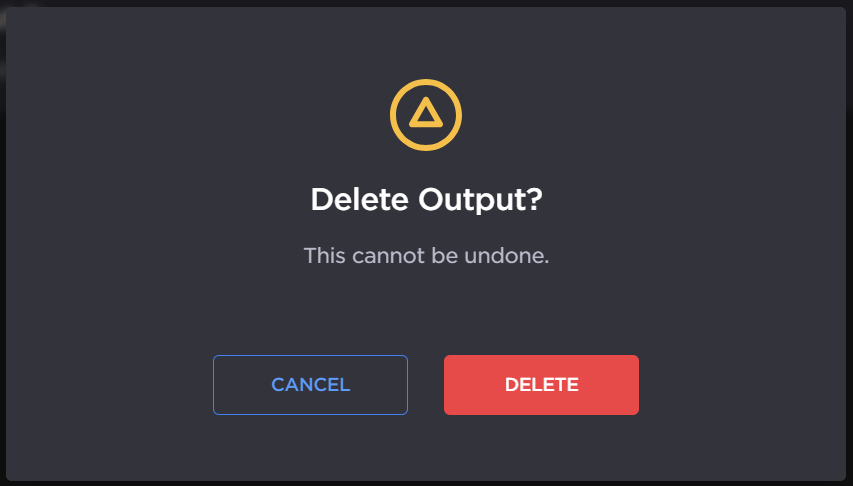
The input or output is deleted for from inputs or outputs list.

Tip
You can also delete multiple inputs and outputs at the same time by using the checkboxes. Check the checkboxes next to the inputs/outputs you wish to delete, and click the Delete button.

Note
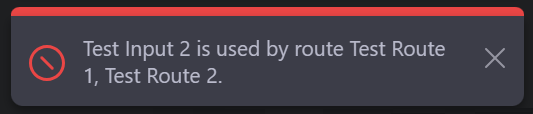
If your input or output is used by a route, the input or output is not deleted and an error notification alerts you of the routes that are currently using the input or output.