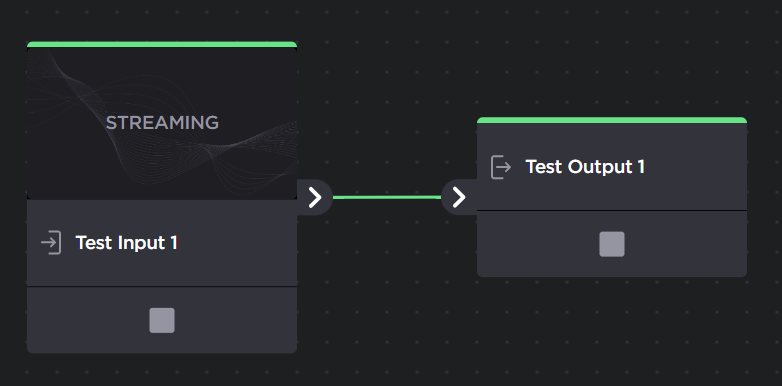
Removing an Output from a Route
To remove an output from a route:
In the sidebar, click
 Streaming.
In the Routes tab, find the route whose output you would like to remove.
Open the Route Editor by clicking
 icon.
icon.On the Edit Route page, locate the desired output to delete.
Find the output you want to remove from the route, hover your mouse over the output and click the
 icon.
icon.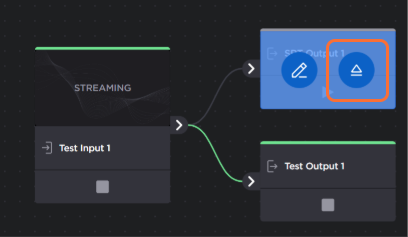
Click the Apply button. The output is removed from the route.