
Room Controls
The Room Controls page allows you to manage in-room devices. The searchable summary list includes the device name, category, profile, and command format.
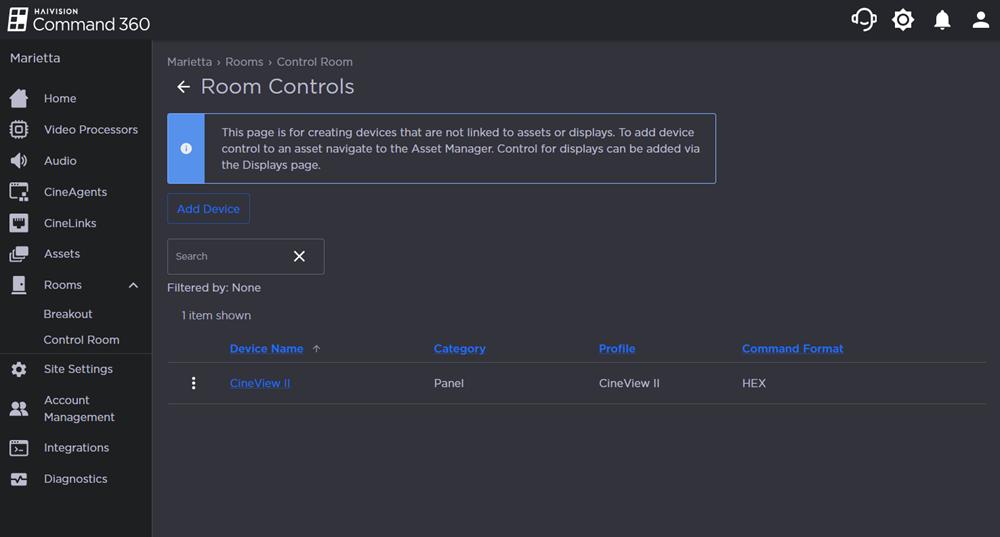
To access the Room Controls page:
Click the user icon in the top right corner and select Admin.
On the side menu, click Rooms.
Click a room name from the summary table or on the side menu.
Under Resources, click the
 icon on the Room Controls resource.
Topics Discussed