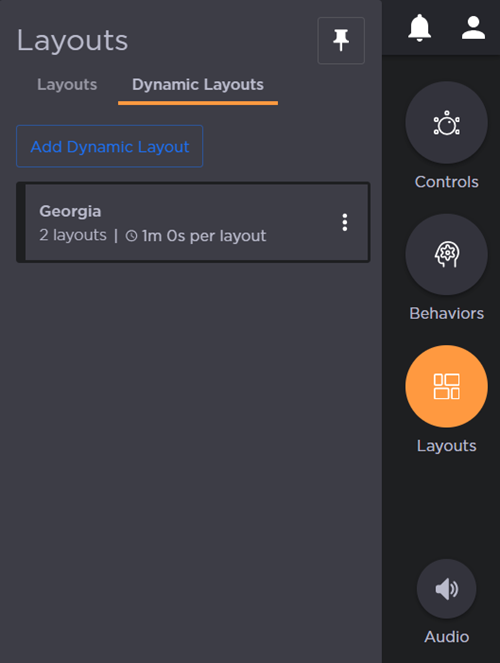
Dynamic Layouts
Dynamic layouts automatically rotate through a predefined set of standard layouts at a user‑specified time interval. Up to four standard layouts can be grouped together to create a single dynamic layout. Once triggered, the display will cycle through the grouped layouts in sequence.

Note
At least 2 standard layouts must exist in the given Activity in order to create a dynamic layout.
To create a dynamic layout:
On the Activity Interface, click the Layouts icon. A side panel opens:
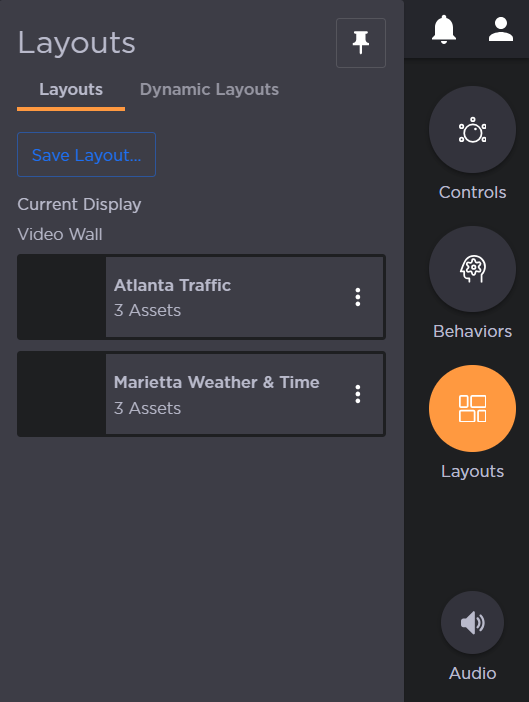
Click the Dynamic Layouts tab.
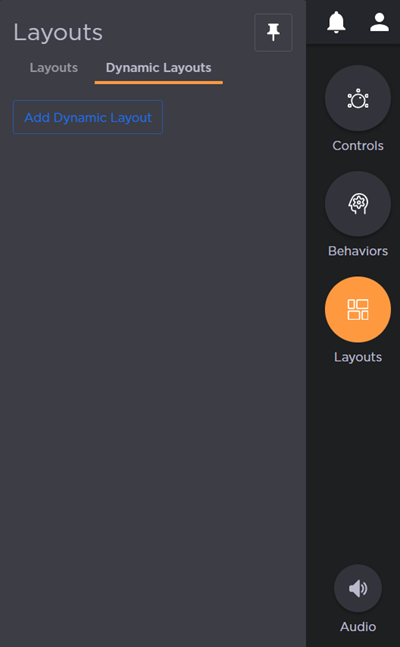
Click the Add Dynamic Layout button.
Enter a Name for the dynamic layout.
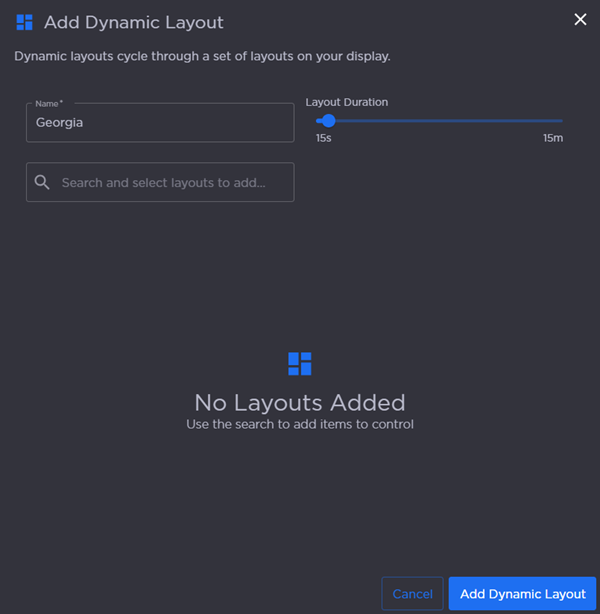
Select layouts from the search field. The list below populates.
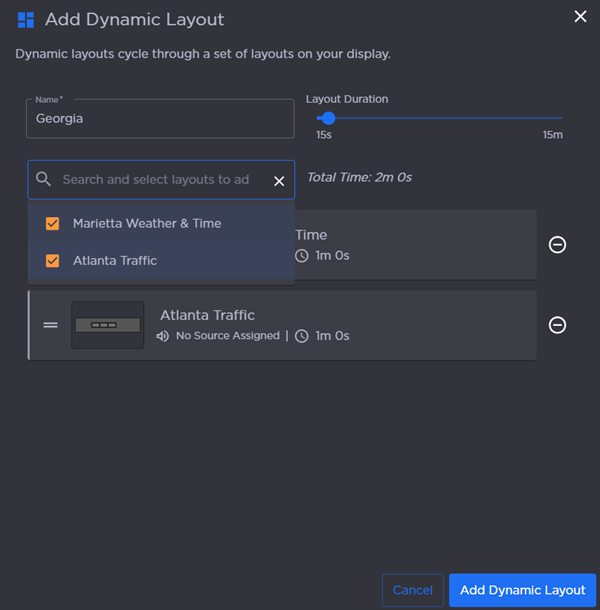
Click and drag the Layout Duration slider to adjust the interval.
Click Add Dynamic Layout.
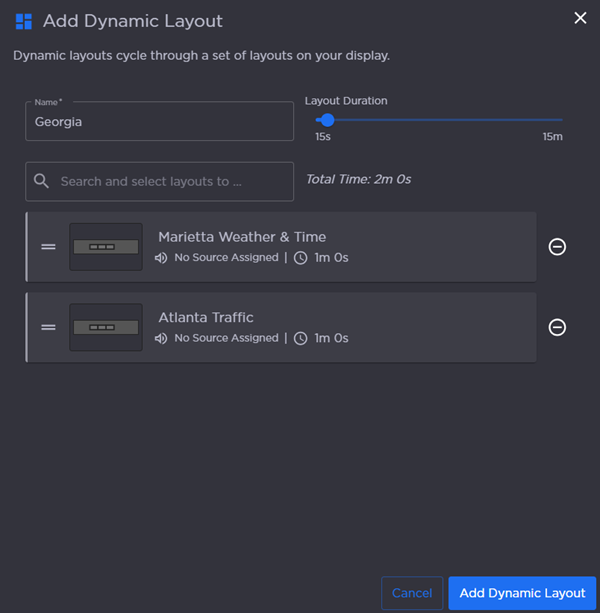
The new dynamic layout can be triggered from the Layouts side panel.