
Getting the Unit Temperature
To get the unit temperature from the Unit Panel or from the Web Interface, see the sections below.

Note:
When unit temperature is above recommended thresholds, a banner is displayed on the web interface dashboard and on the unit top banner.
Unit Panel
From the Home menu, turn the wheel to select
 >
>  .
.Turn the wheel to scroll and display the unit's temperature.
Web Interface
Click Settings > System.
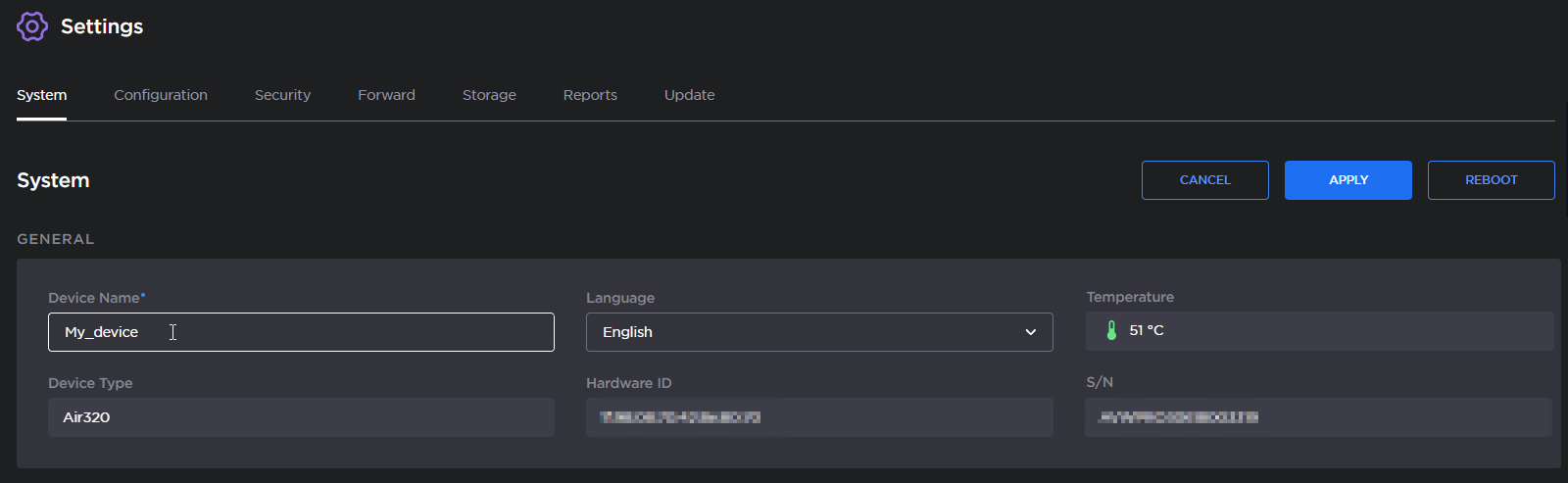
Thresholds are defined as follows:
Warning Threshold: 68°C
Critical Threshold: 72°C