
Selecting a Story
To receive stories, the selected destination profile must be a Manager supporting the Story Centric Workflow. See Selecting a Destination Profile. To select a story from the Unit Panel or from the Web Interface, see the sections below.
Unit Panel
Tap
 or
or  to see the different stories.
Tap
 to see more information on the story.
Tap
 to go back to the previous screen.
Tap the story to select it. It turns to orange while loading.
When the home screen appears with the  icon on the top bar, tap on this icon for more information.
Web Interface
A list of stories appears on screen.
Click
 > Information to see the description of the story.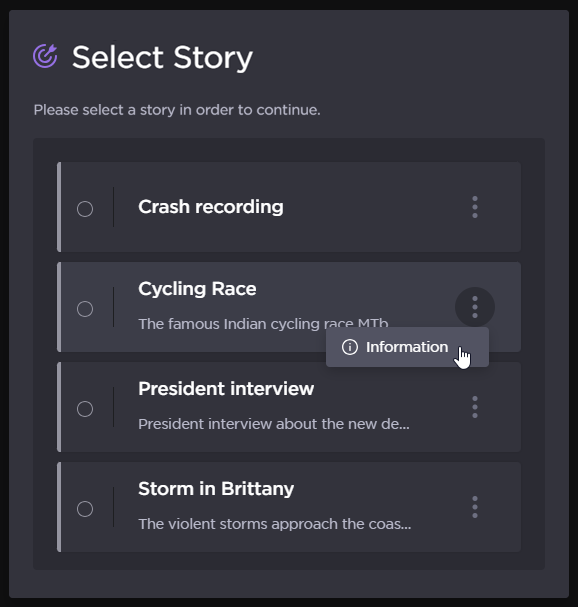
Select Mission
Click a story to select it.