
Getting a Report File
From the Home menu, tap
 >
>  > Report.
A report is generated. It is accessible from the Web Interface or from the SD card (if present). See the Web Interface tab to download the file.
In the sidebar, click Settings.
Click the Reports tab.
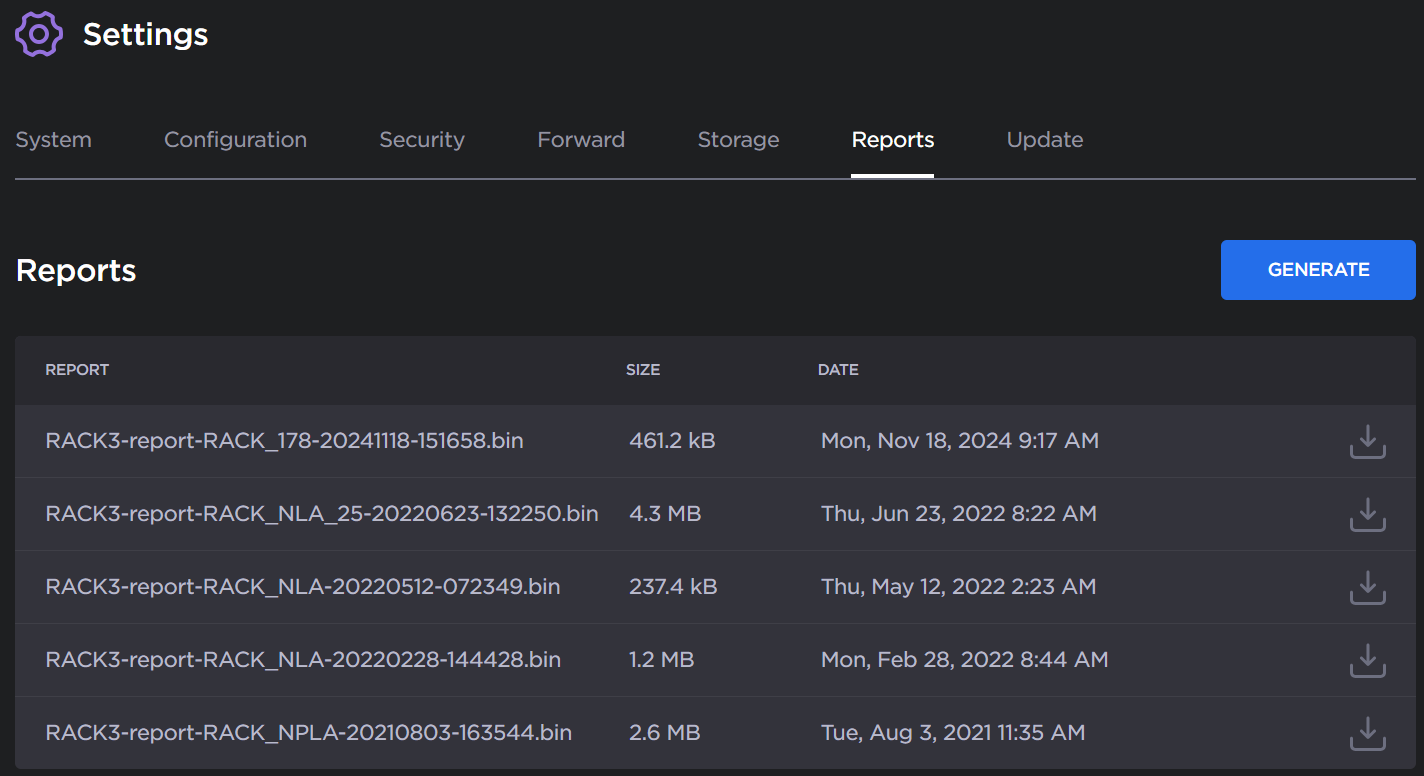
Reports History
Click the Generate button to create a new report
After the report is generated, click the
 icon next to the new report to download it.
The report file (.
bin) is downloaded by your browser.Attach the
.binfile to an email in which you explain the issue you are facing and send it to our support team via the Haivision Support Portal.