Searching
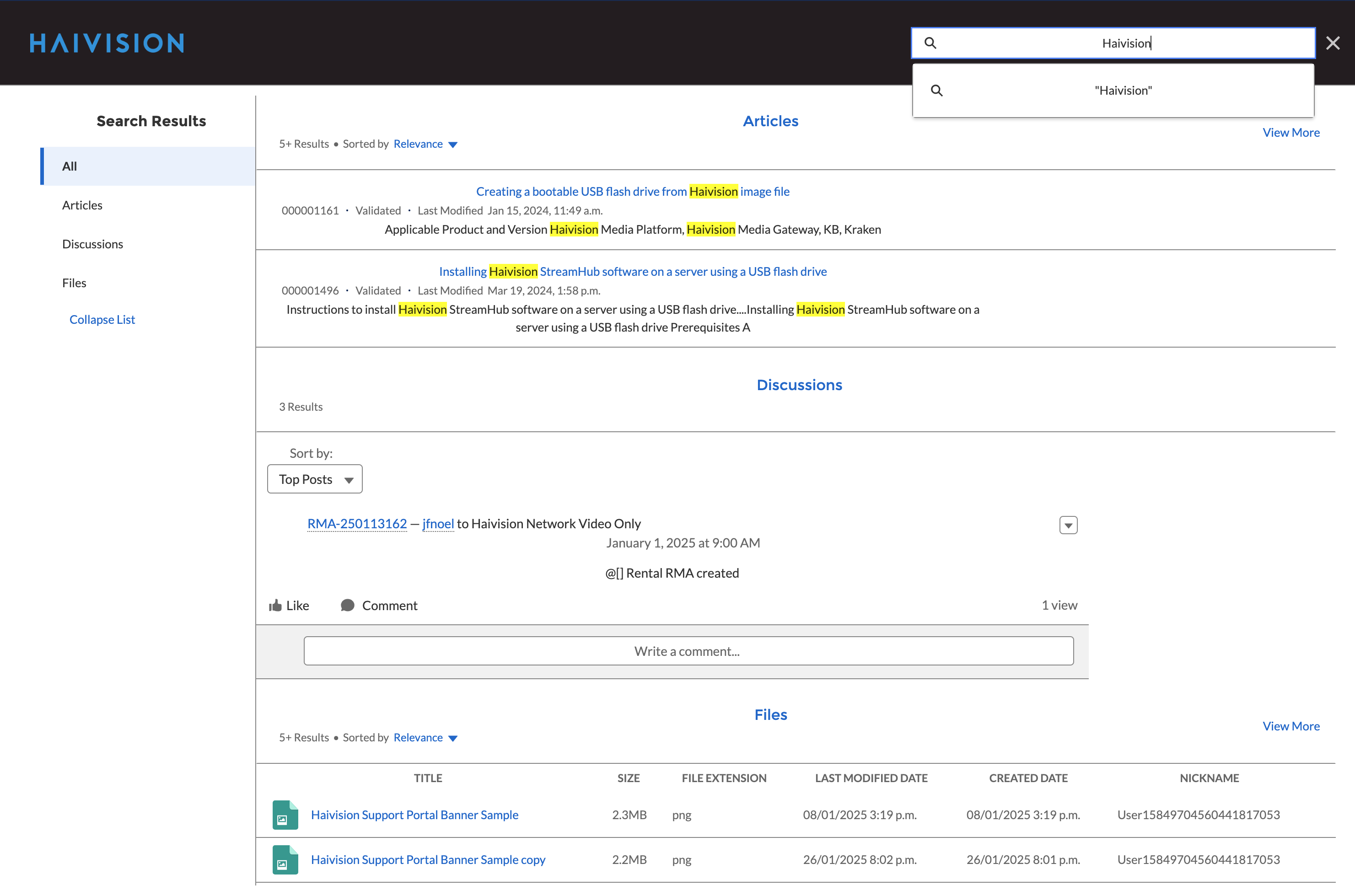
When you enter text in the search bar, an auto-completion feature will attempt to suggest possible matches. Use the arrow keys to select a search query, or continue typing and press Enter:
Search results are presented in four categories:
Articles: These are knowledgebase articles whose titles contain one or more of the terms in you query.
Discussions: Links to community discussions where one or more of the serch query terms are present in the discussion subject line.
Files: Software, PDF, image, and other files whose filenames contain one or more of the search terms.
All: All of the above.