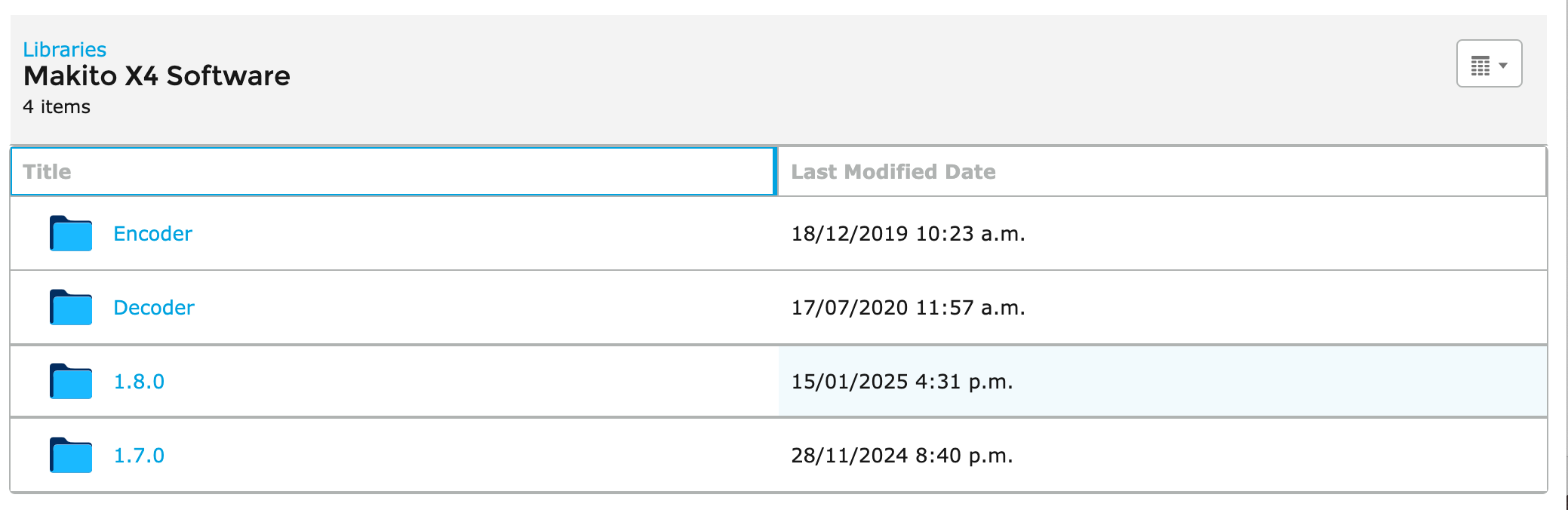
Downloading Files
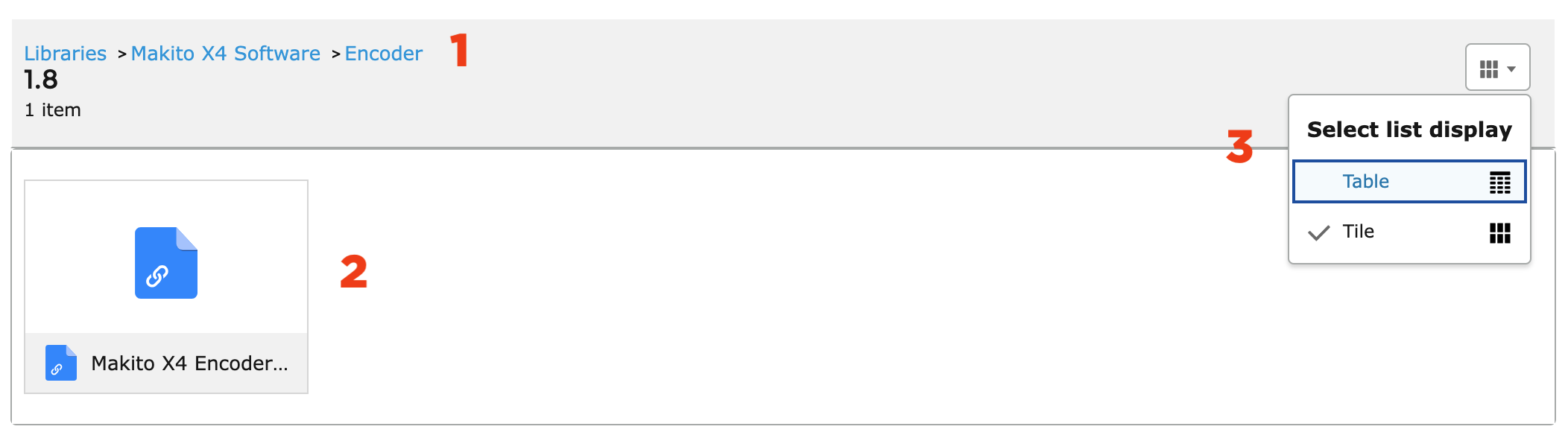
Use the breadcrumbs to navigate back up the directory structure (note that the clicking your browser’s BACK button will bring you to the top level).
Click on the file icon to open a preview window where you can see more details or download the file.
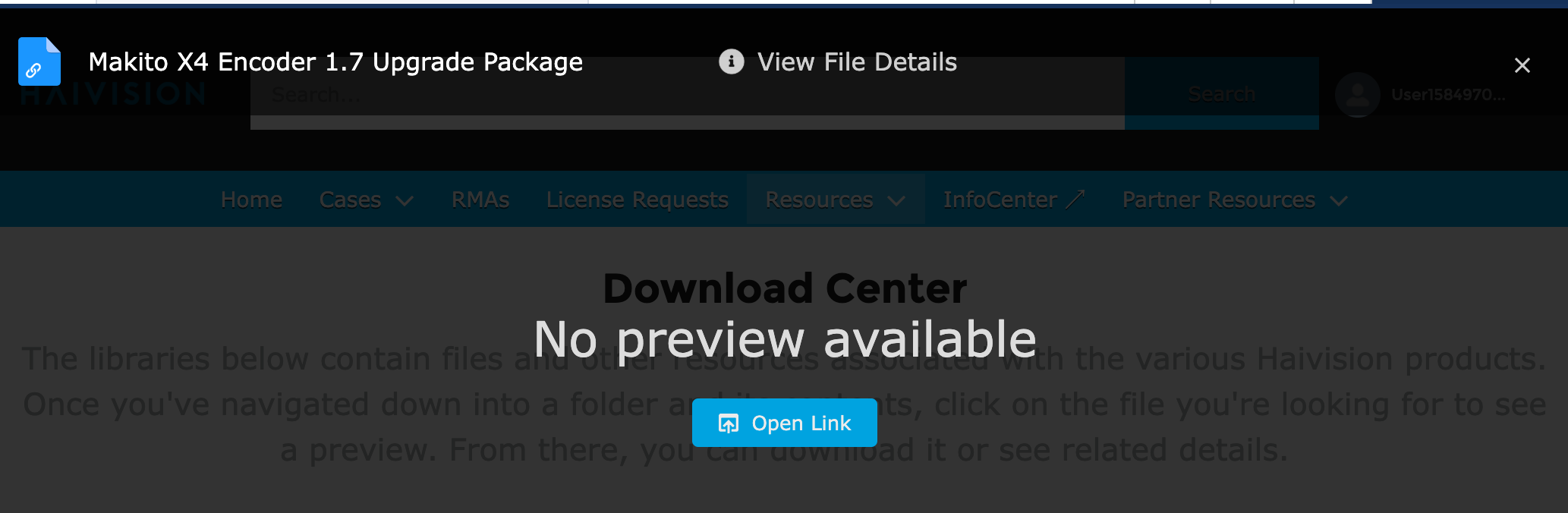
Click the Open Link button to download the file, or click View File Details to get more information:
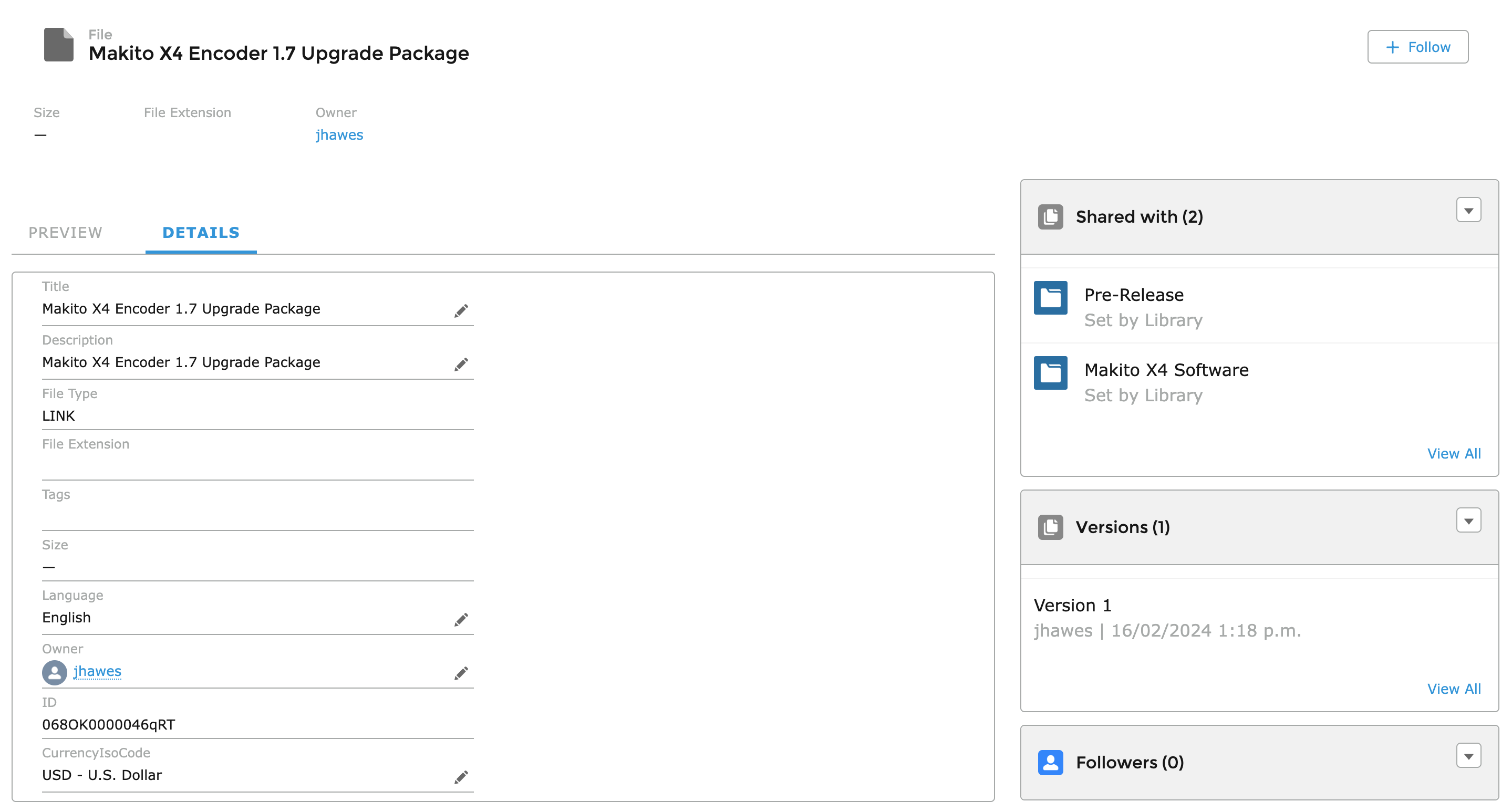
Any folder can be viewed in table or file format. Table listings can be sorted by clicking on the column header: