Searching for Kits and Routes
This page explains how to find Kits and Routes in Hub 360 by searching for the unit on the Source side, expanding the panel for details, and using the Route number to find the destination StreamHub and Route on the Receivers side.

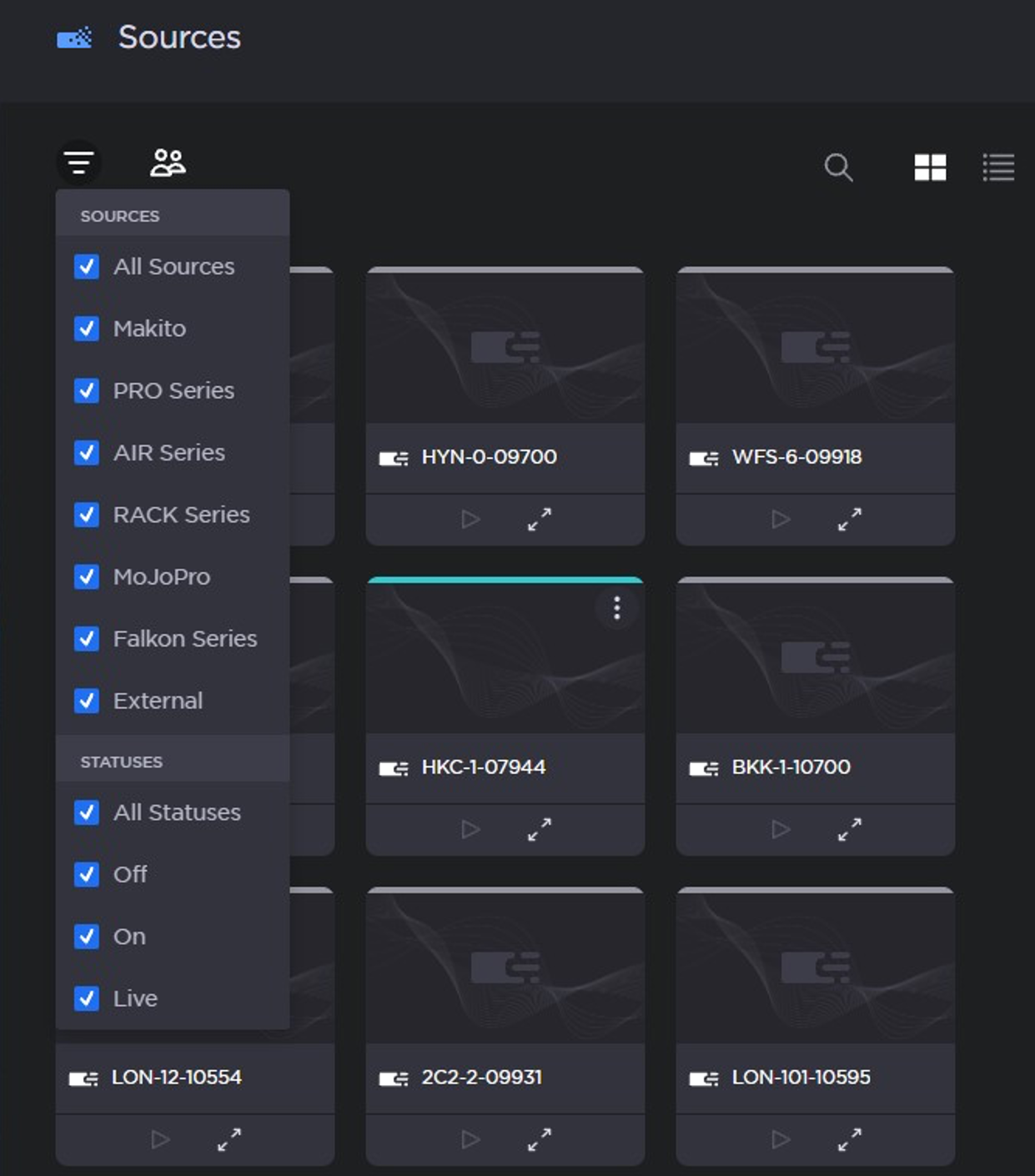
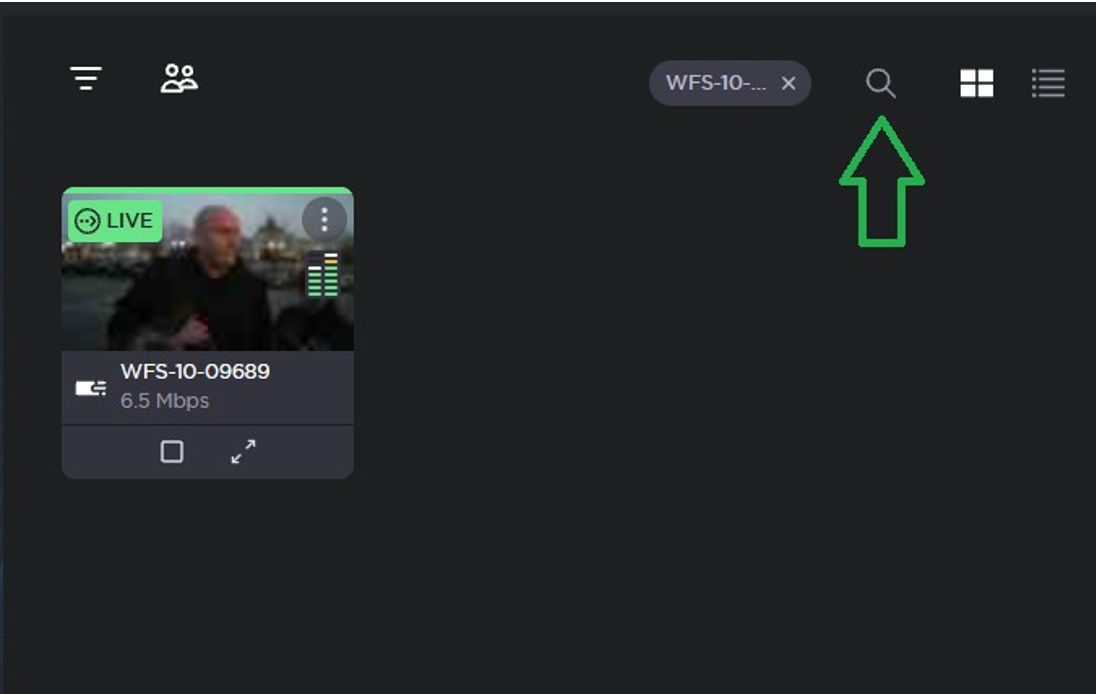
In the Sources pane of the Master Control screen, set your filter to show “All Sources” and “All Statuses”. Then use the search function (magnifying glass) to find the unit you’re looking for.

TIP: You can search for partial names. “wfs-10” or “09689” will find “WFS-10-09689”.
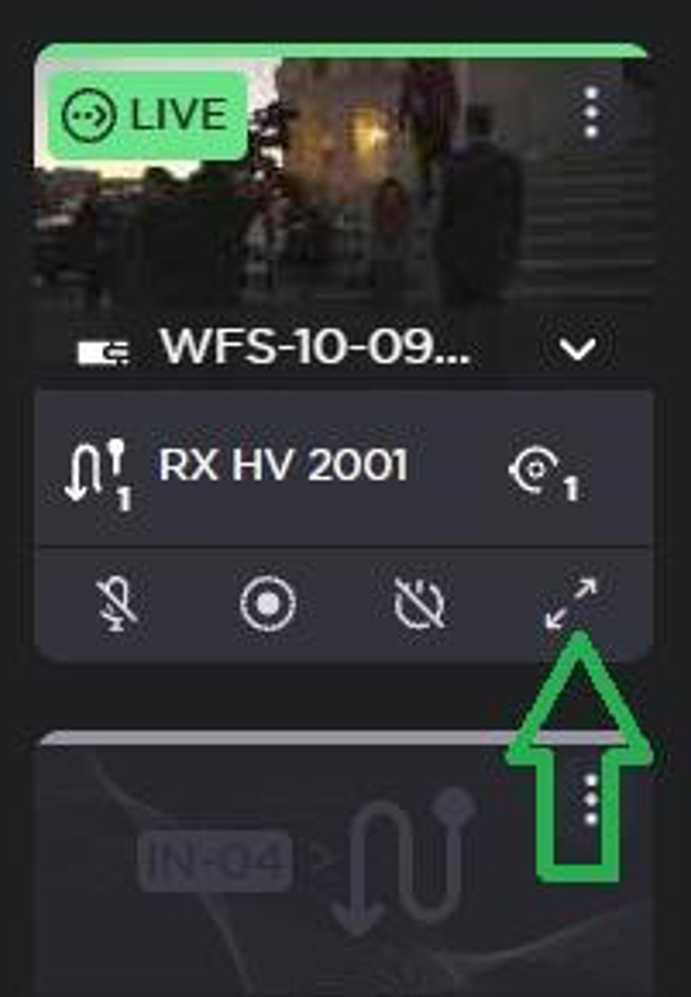
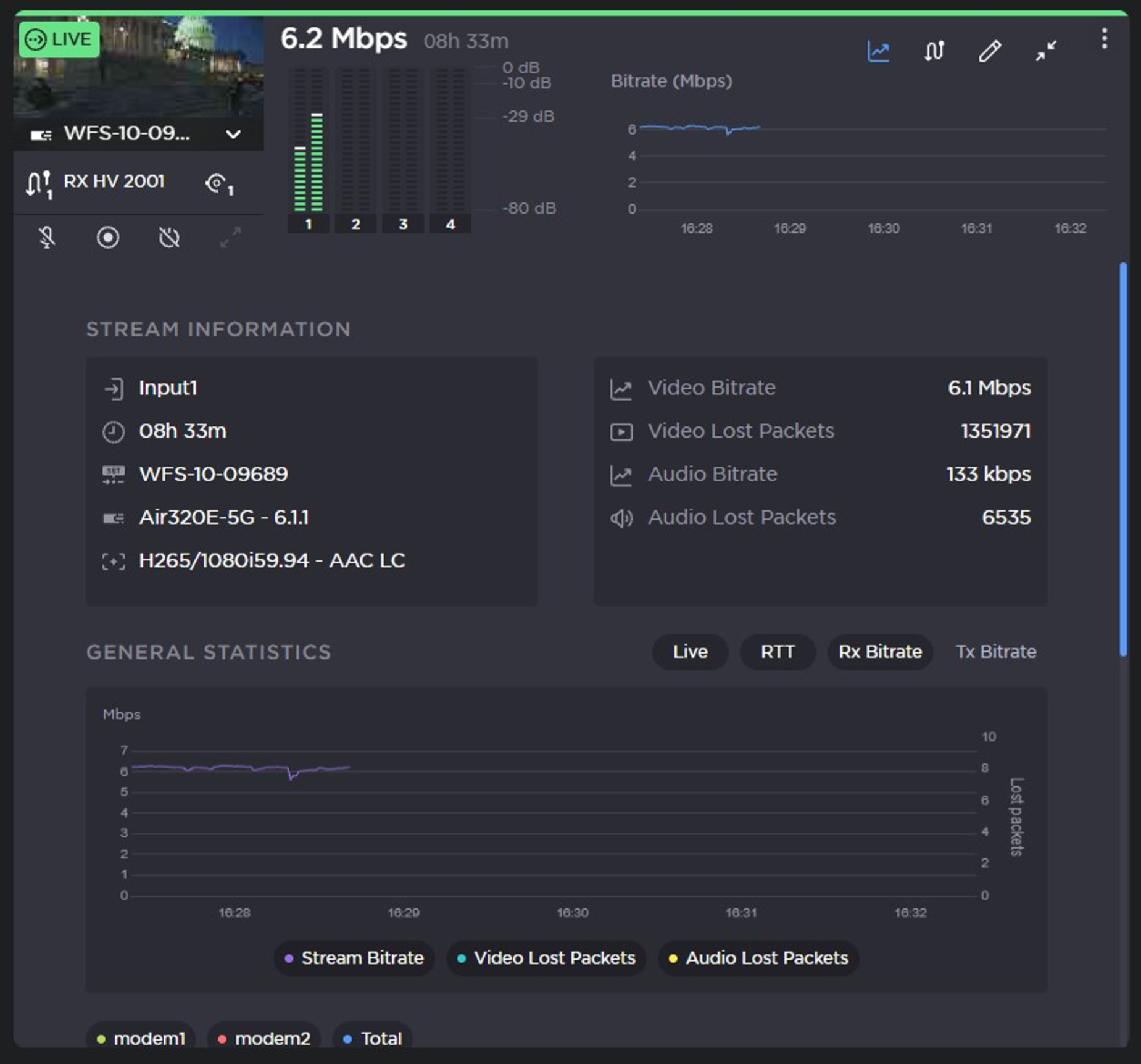
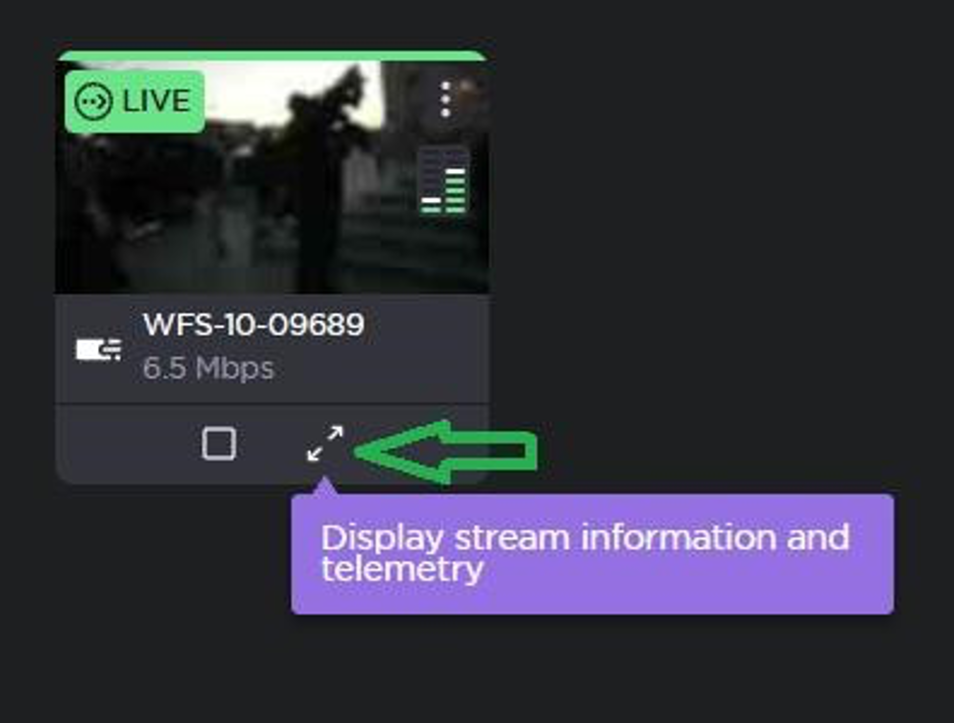
Once you’ve found the field unit, expand the panel to see the details, including which StreamHub and which Route it’s connected to.
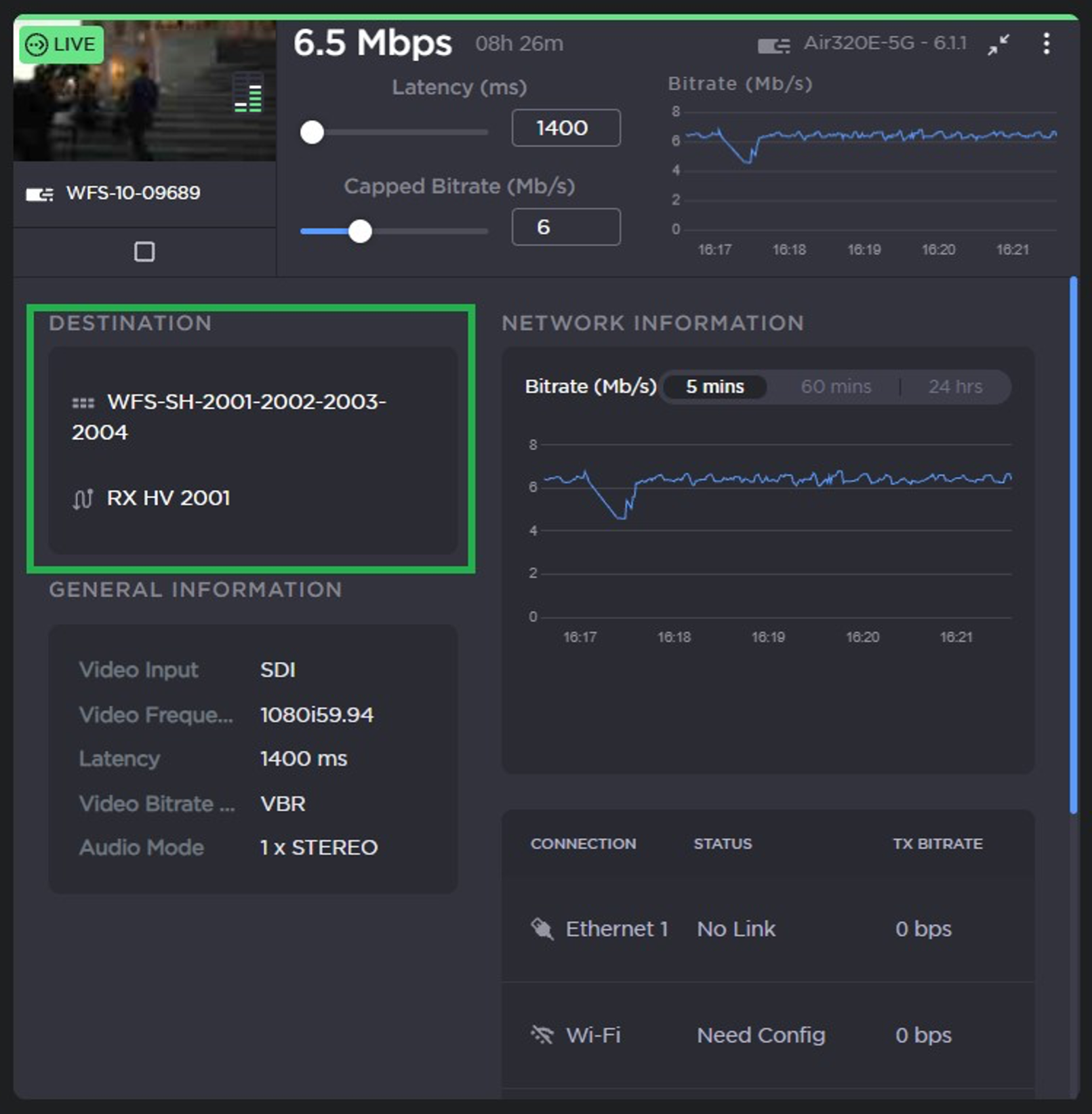
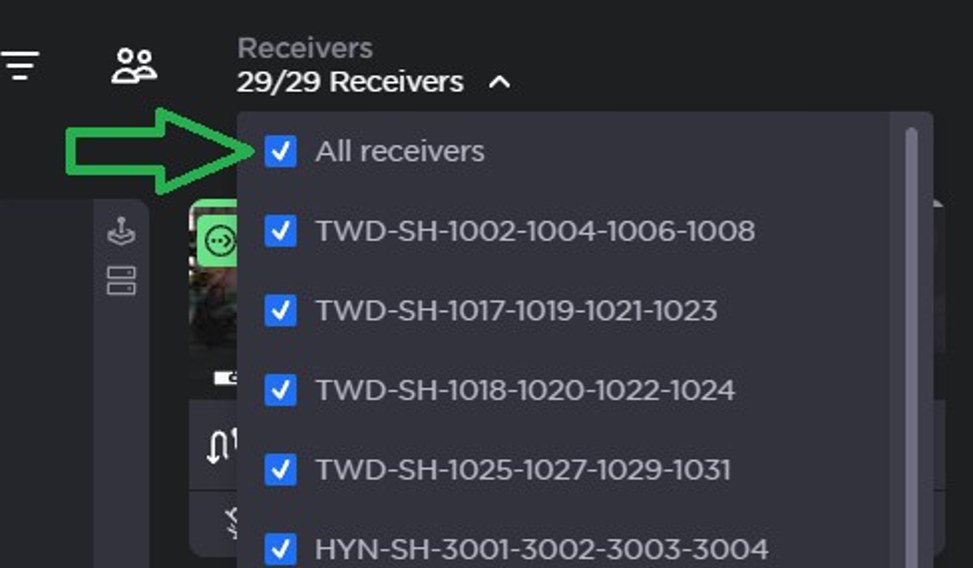
Once you have the Route number, you can use a similar technique to quickly find the destination StreamHub and Route on the Receiver side. Set the filter to show “All receivers” and then search for the Route number.
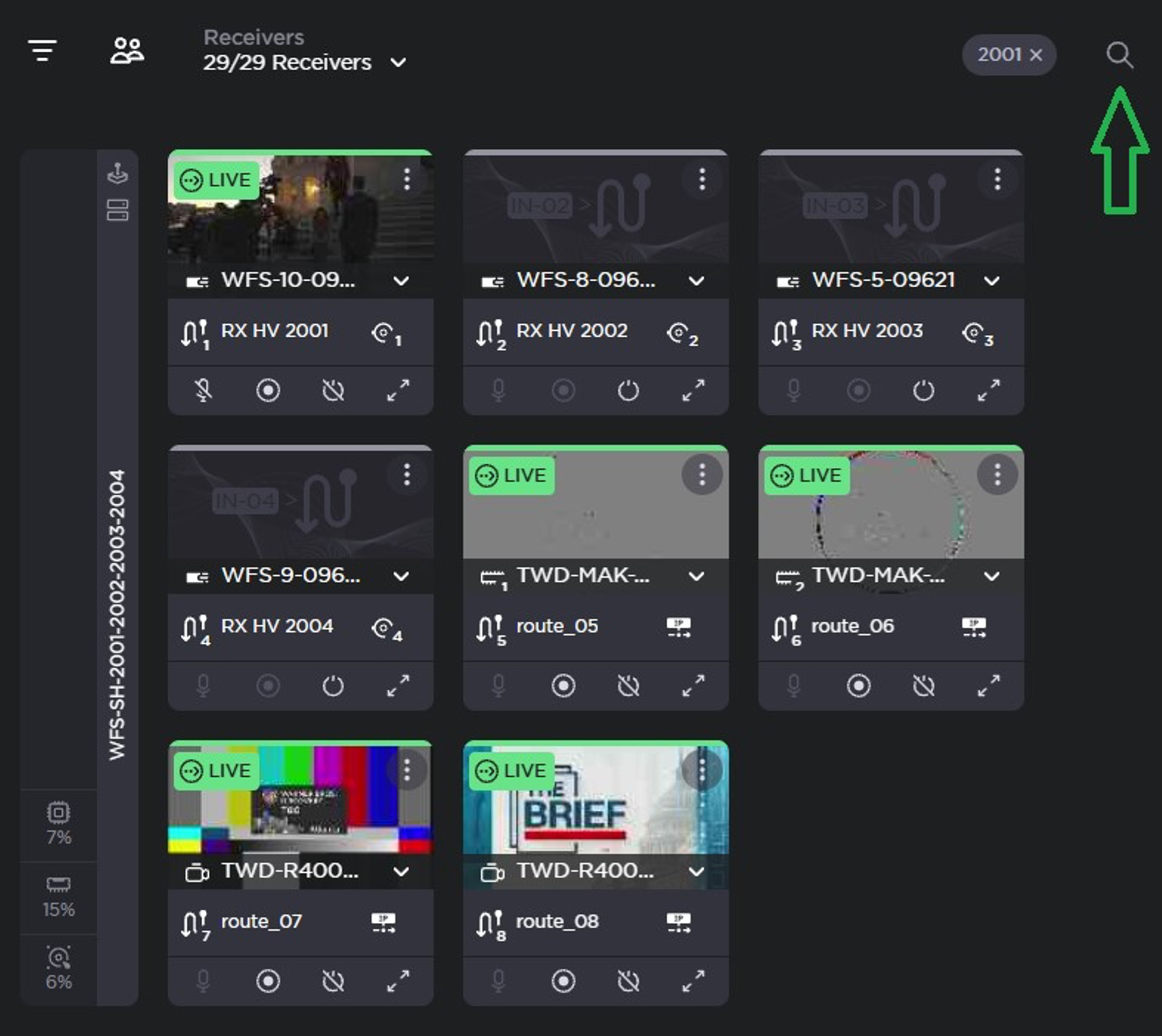
Expand the route to get stats and telemetry from the StreamHub side.