Hub 360 Assignment Behavior
This page explains the routing process for field units (transmitters) connecting to Hub 360 and the management of routes on StreamHub.

Without previous routing done
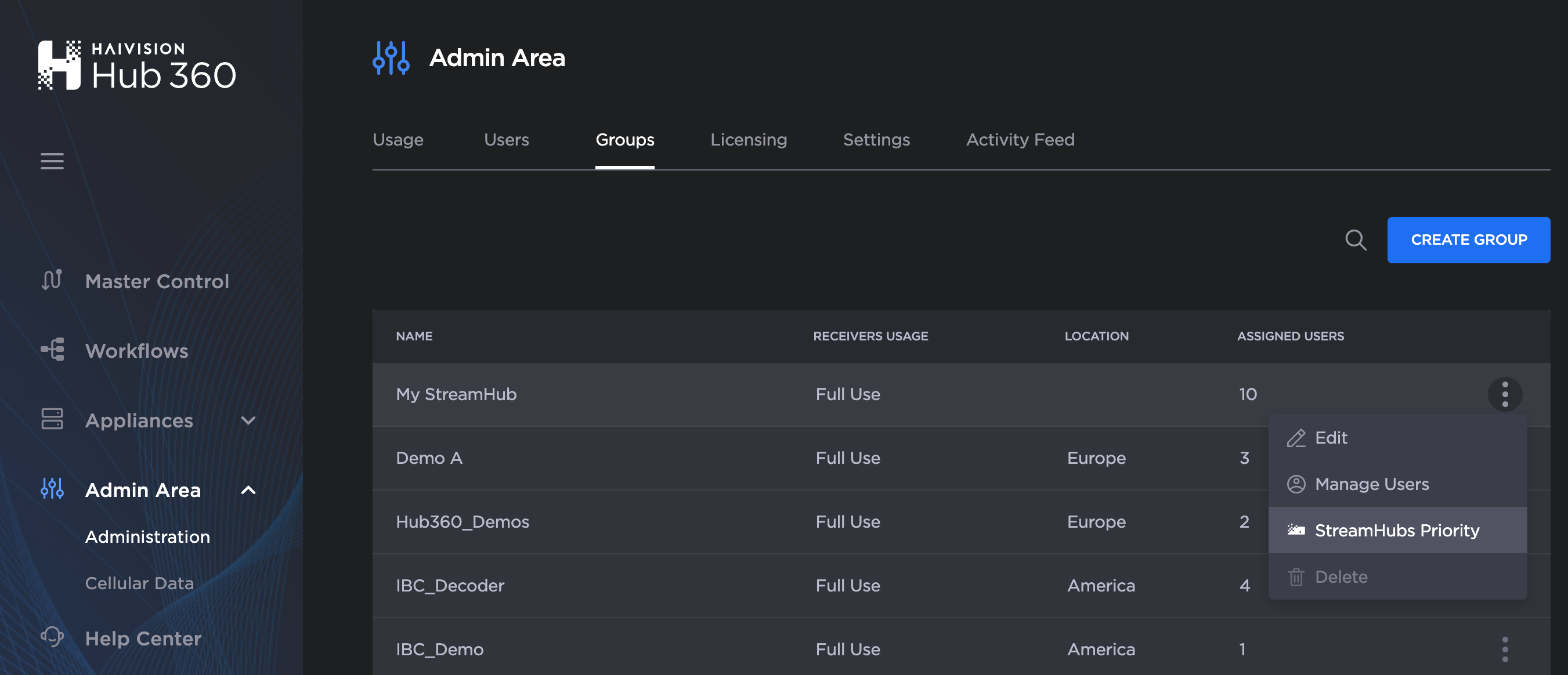
When a field unit is establishing a connection on Hub 360, and a Live is started, the expected behavior is to automatically route the incoming Live to the first available output of the server setup in priority. This priority can be changed in Admin Area under Administration > Groups by editing StreamHub Priority
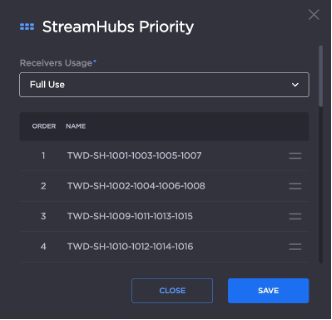
In the CNN account, the current priority is given to server TWD-SH-1001-1003-1005-1007.
Until the unit is not turned off, the route will remain in place. But the routing is not permanent — as soon as field unit is turned off, the route will be released.
There is no way to impact the route from the field unit directly. The change must be done on the Hub 360 side.
With a routing set
GCC can define static routes from the Hub 360 Master Control panel with a simple drag & drop action, or by selecting a specific input in the output drop-down list (on the right screen panel). Once the route is created, it will be persistent — if the same field unit is disconnected and reconnected later (at any time; there is no expiration date for a route), then it will reuse the same route and will be routed to the same destination output.
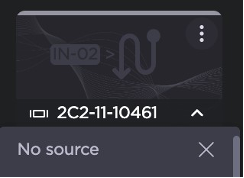
A route can be changed by dragging & dropping another input thumbnail onto an output thumbnail, or by clearing the output and selecting No Source from the drop-down list.

IMPORTANT: GCC should recommend to PJs to not start any Live streams until given the green light (by GCC).