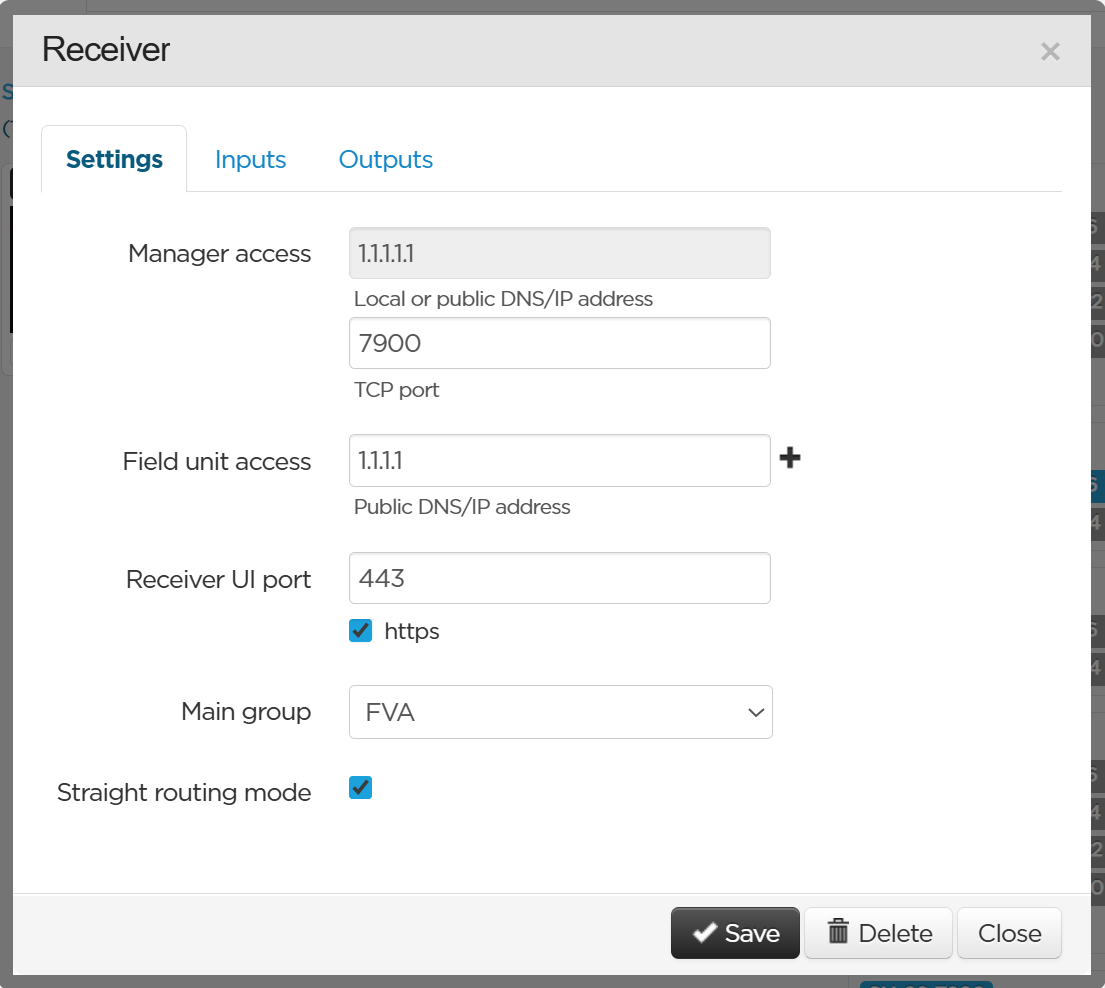
Enabling the Straight Routing Mode
You can enable the Straight Routing Mode to apply a straightforward workflow when associating inputs to outputs.
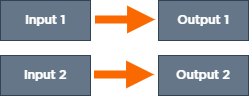
When booking inputs and outputs, or using a drag and drop, inputs are locked to their corresponding output number:
You can enable this Straight routing Mode for each StreamHub separately.
In the menu bar, click on Settings.
In the Receivers section, click on the StreamHub for which you want to apply a Straight Routing Mode.
Click on the Straight routing mode check box to enable or disable the mode.