
Accessing a StreamHub interface remoteley
The administrator and the users with the "Receiver Web UI Access" permission can access the web page of any online receiver.
Go to the Maintenance or Grid view.
Search the receiver that you want to control.
Click the receiver's name to prompt the receiver panel in the upper left corner of the page.
Click on
 located in the receiver panel, to access the dashboard of the receiver or on located aside the input to directly access the receiver on the input page.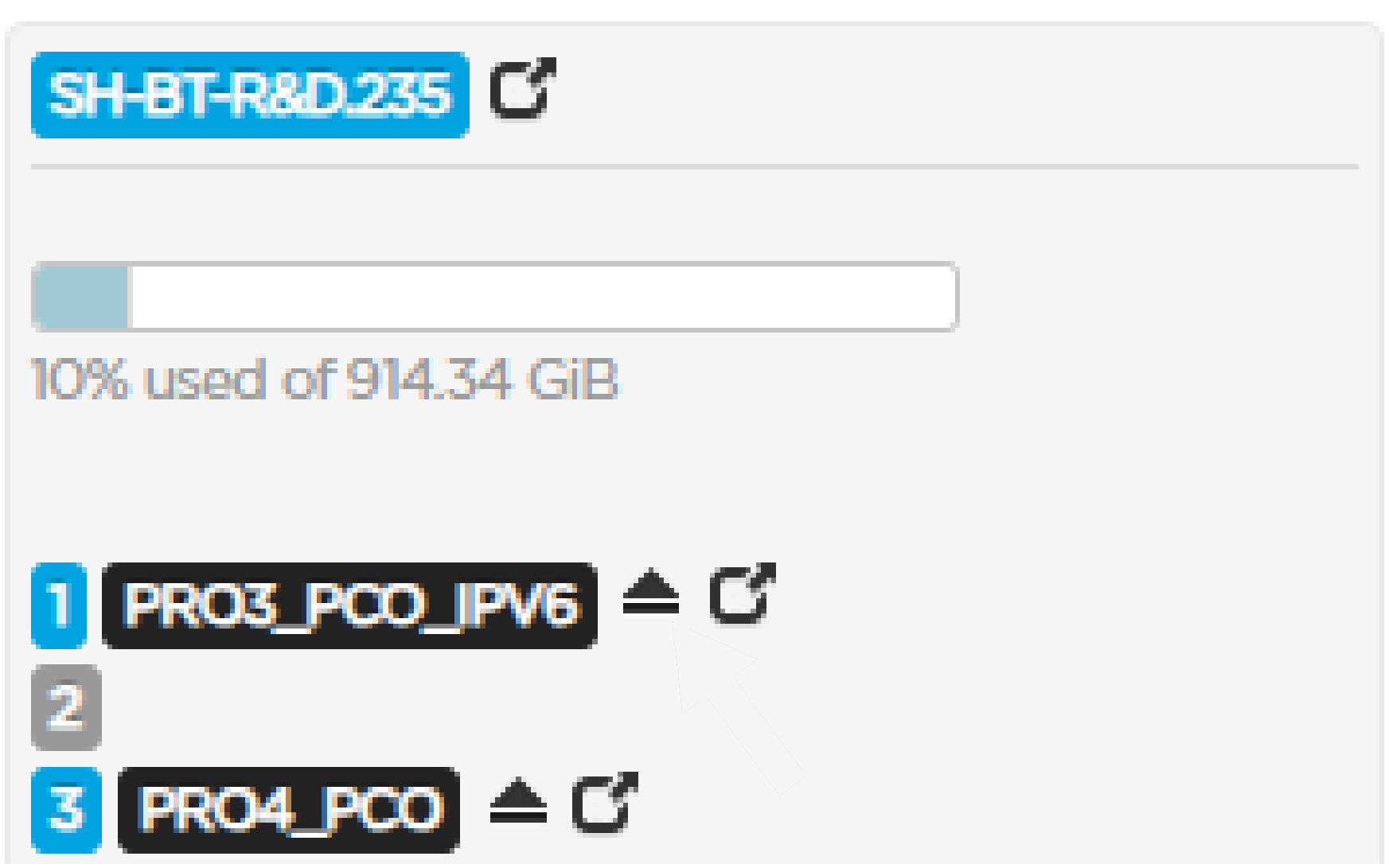
The receiver web page opens in a new tab. Please refer to the StreamHub User Guide for details.

Note
When logged in to the Manager as administrator, you access the receiver as admin. When logged in to the Manager as user, you access the receiver as user.