
Locking/Unlocking an Output

Note
You must be logged in as an Administrator to lock and unlock outputs.
Locking an output prevents users from:
Changing the input connected to the output.
Enabling or disabling an output.
Editing the IP output profiles currently locked.
To lock or unlock an output:
On an Output thumbnail, click on
 .
.Click on
 to toggle whether the output is locked or unlocked.
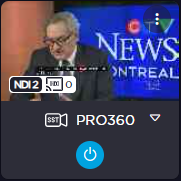
A lock icon appears in the input selection dropdown when the output is locked.
Locked | Unlocked |
|---|---|
 |  |