
Displaying IP Output Profiles
After you created IP Output profiles, you can display them very easily on the dashboard, or decide to hide them.
To display profiles previously created:
In the OUTPUTS section, click the
 icon.
icon.In the profile list, click the
 icon next to the highlighted profile(s) you wish to display.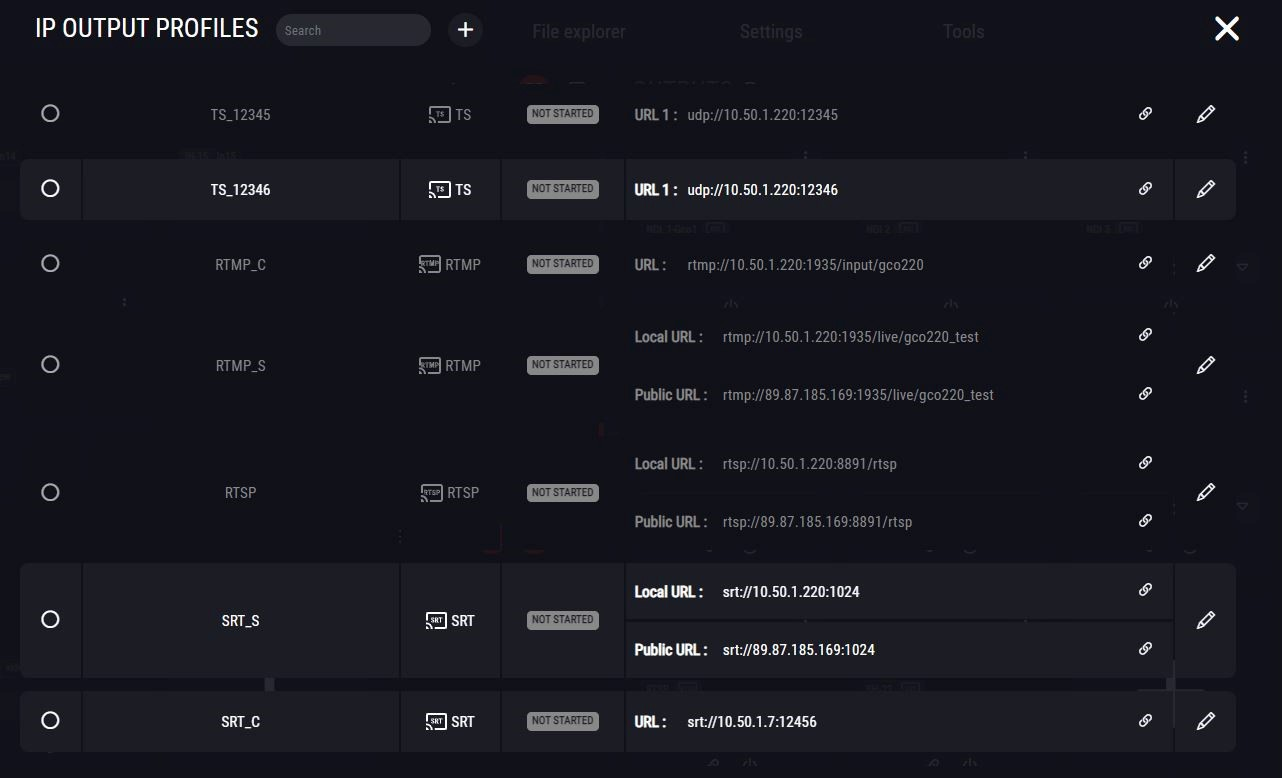
A new thumbnail appears for the selected output profile in the Dashboard.