
Displaying Encoder Profiles
In the Encoders section, click the
 button.

Tip
If the File Explorer section appears instead of the Encoders section, click the
 icon.
icon.If the
button does not appear, then all licensed encoder slots are currently in use. See Ejecting Encoder Profiles to remove an encoder from an encoder slot.
In the profile list, click the
 icon next to the profile you wish to display.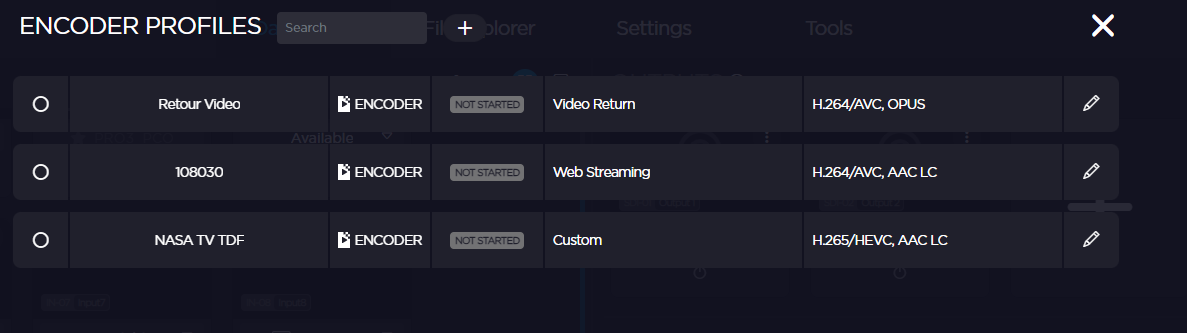
A new thumbnail appears for the selected encoder profile in the Dashboard.