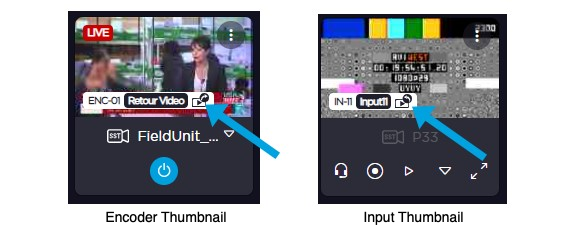
Creating a Video Return Using an Encoder
Configure an encoder with a Video Return preset. See Configuring Encoder Profiles.
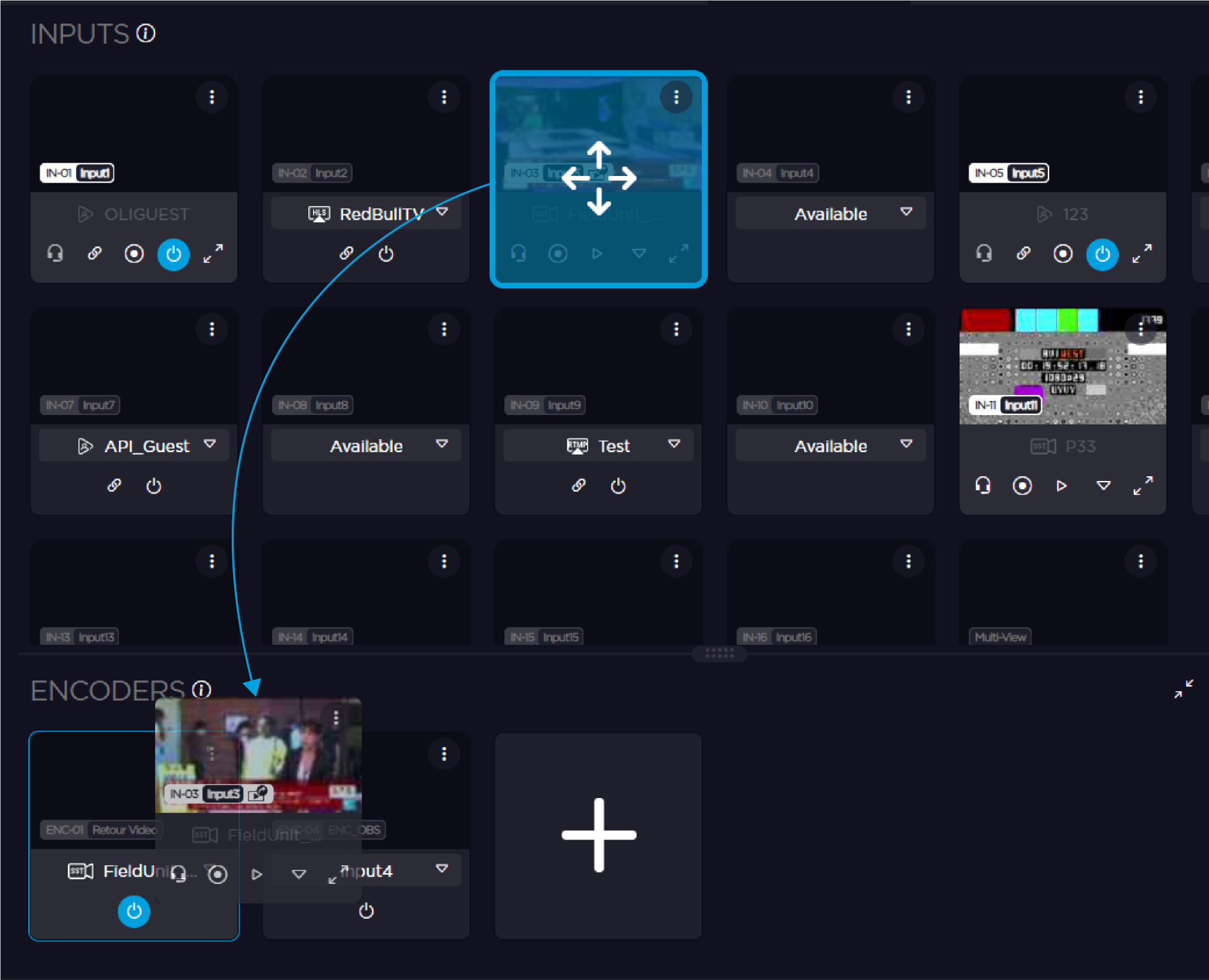
Drag the Input that emits the Video Return and drop it on the newly created Encoder. This input may be either a field unit or any IP input (SRT, NDI, TS, ...).
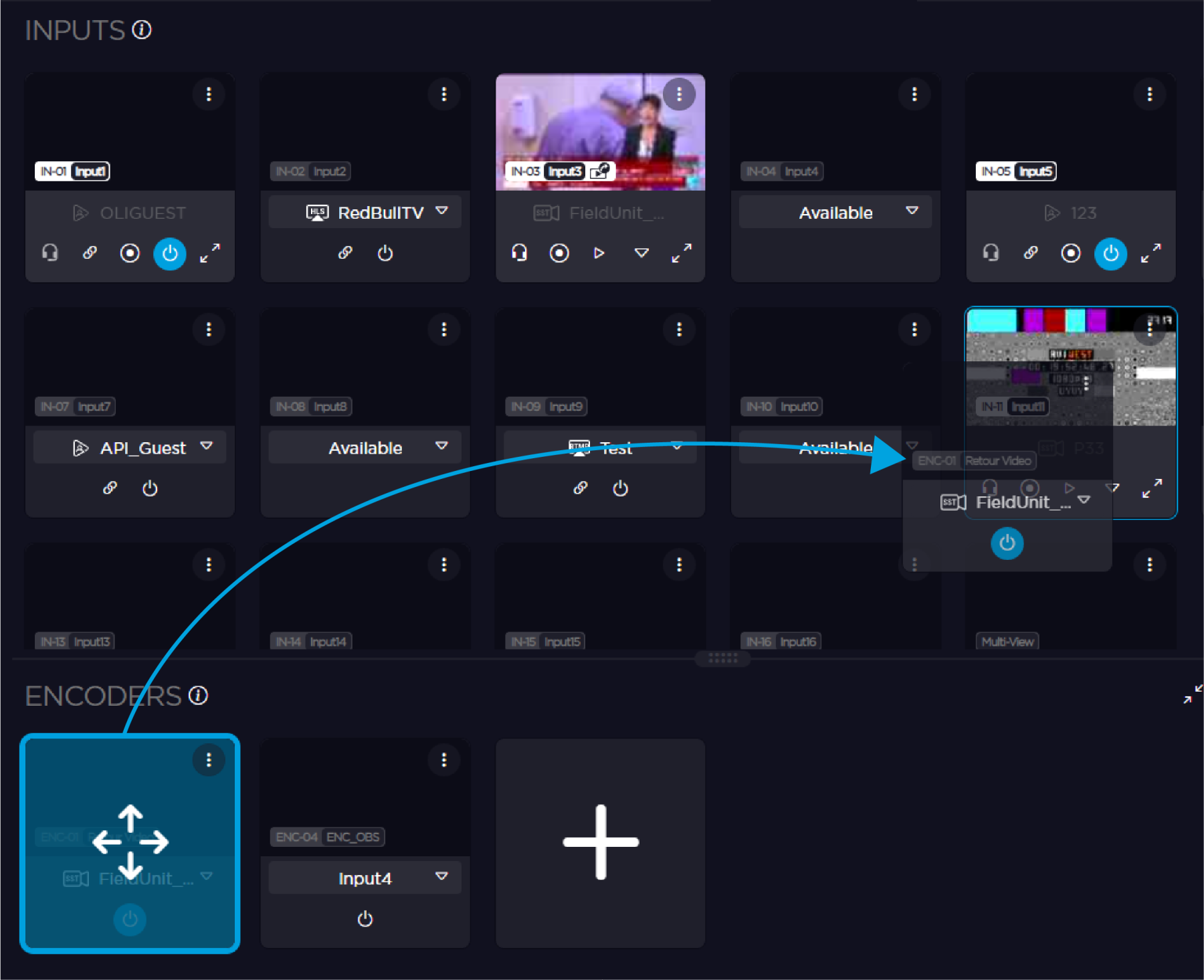
Drag the Encoder and drop it on the input that must receive the Video Return.
Start the live transmission on the emitting Input by clicking
 . The live transmission starts and:
The
 icon appears on the encoder thumbnail.
The
 icon appears over the input thumbnail of the field unit that receives the Video Return.