Connecting to a LiveGuest Interview as a Guest
To connect to the interview as a guest:
Click on the provided link and enter the password that was given, if one was defined in the profile.
Click on Join the live.
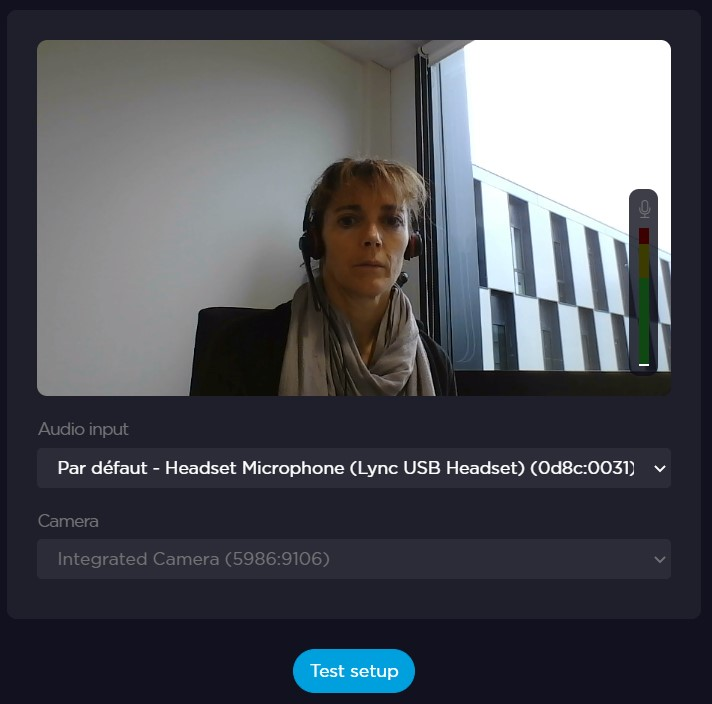
Configure the Audio Input and the Camera.
Click on Test setup.
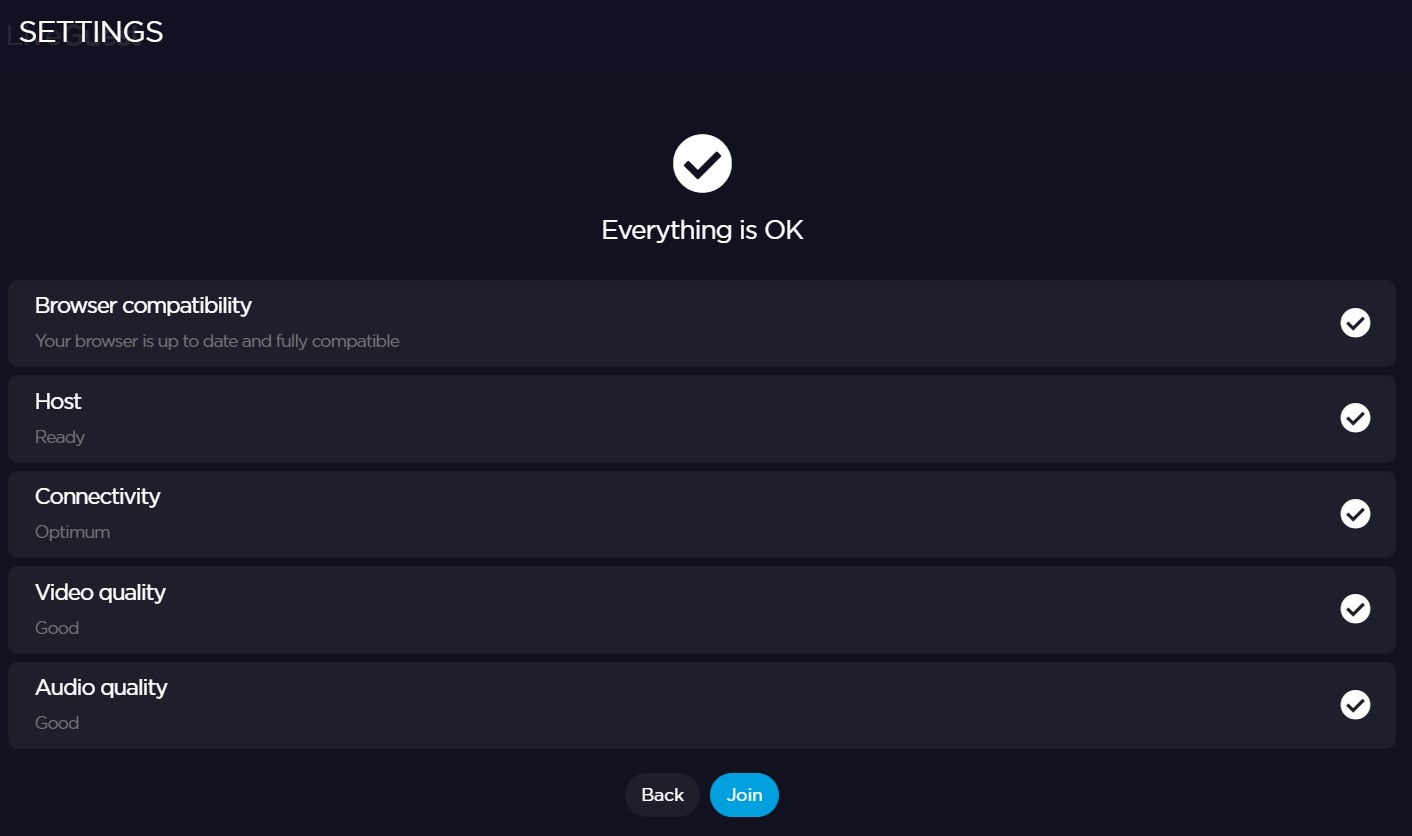
Click on Join to connect to the interview.
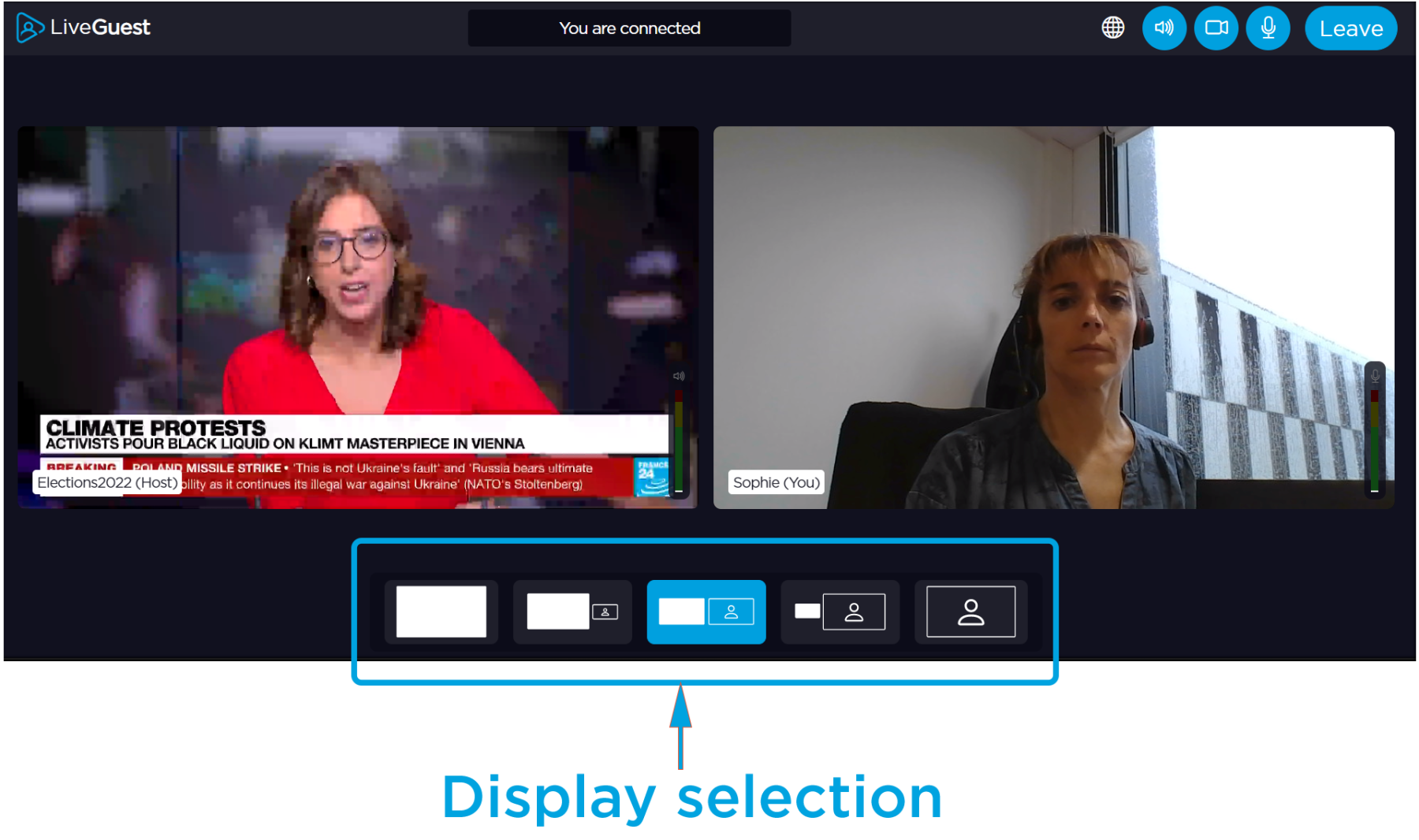
Display options are available on the resulting screen: