
Configuring the Media Transcoder
You can set the StreamHub so that it automatically transcodes all video files forwarded, and recorded by field units, to another file format and/or to another frame rate.
In the menu bar, click on Settings.
In the sidebar, click on Media. You can define transcoding settings for Received Files and Recorded Files separately.
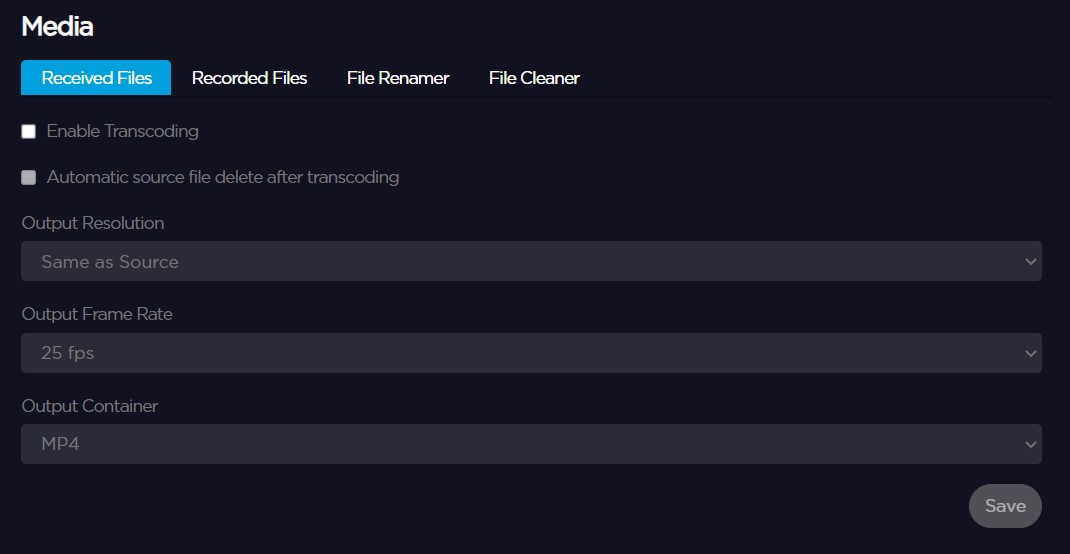
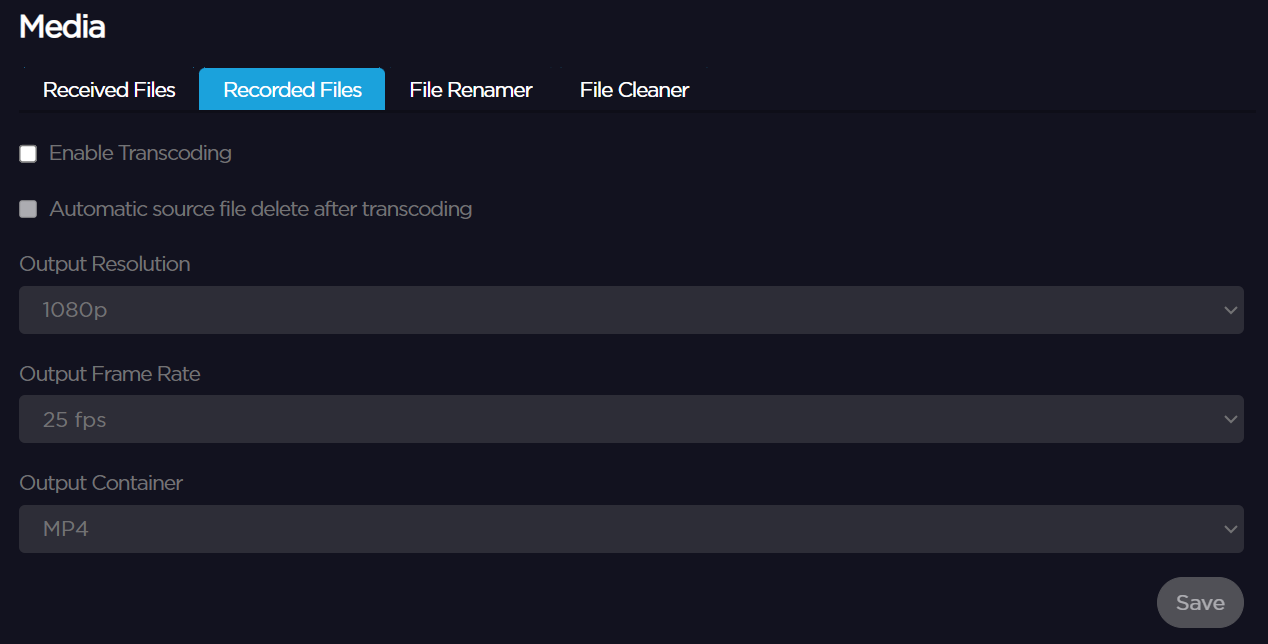
Under the Received Files and Recorded Files tabs, tick the Enable Transcoding box to define transcoding settings.
Define settings:
Output Resolution
Output Frame Rate
Output Container
Click on Save.