
Live Capture Settings
This section describes how to modify live capture settings for Play Pro when signed in to a Haivision Media Platform (HMP) system.

Note
This topic contains references to HMP live capture and SRT settings.
For more information on HMP settings, please refer to the HMP user documentation.
For more information on SRT concepts, including SRT modes, please refer to the SRT Deployment Guide.
To modify HMP live capture settings:
Access an HMP from the Streams screen.
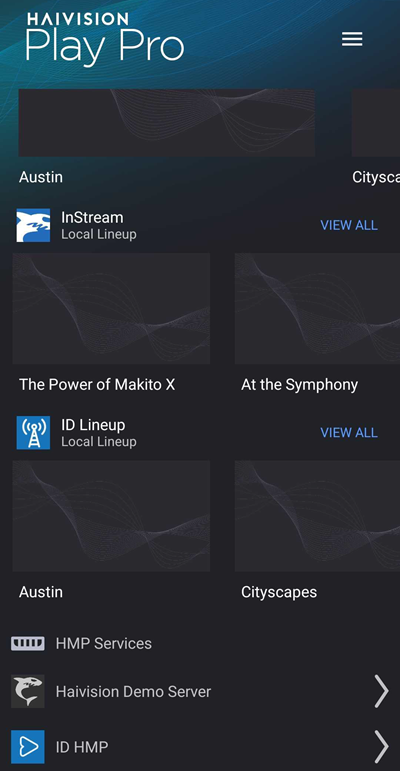
Tap the
 icon to open the side menu.
Select
 Settings.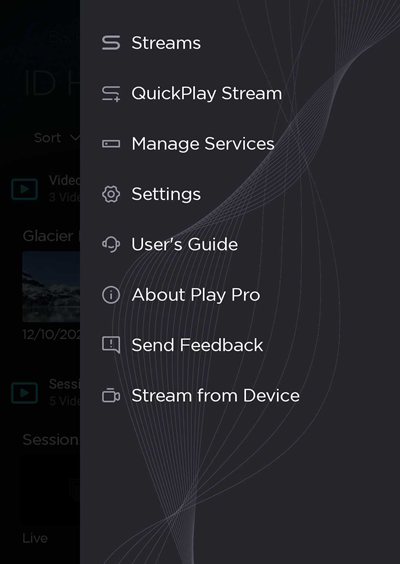
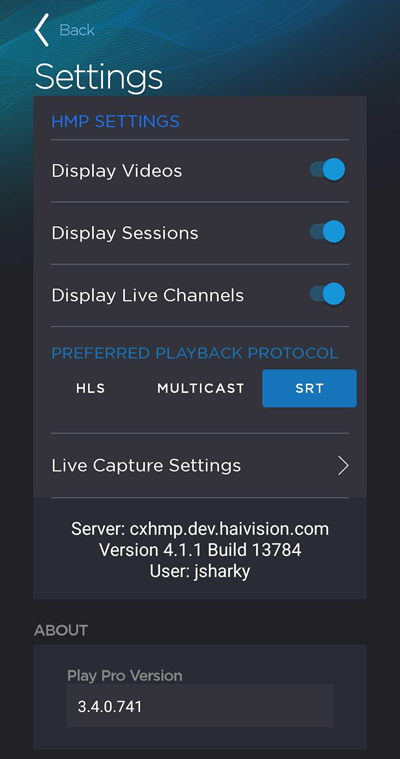
Scroll down below the Preferred Playback Protocol section and tap Live Capture Settings.
Configure live capture settings as needed:
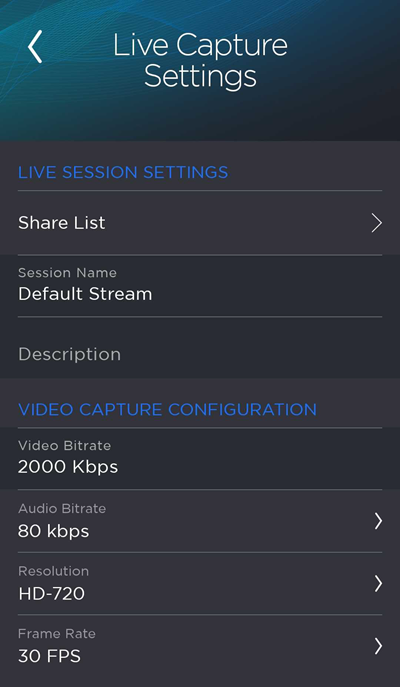
Setting | Description |
|---|---|
Live Session Settings | |
Share List | Select HMP users and groups to share live content with. |
Session Name | The name of the created HMP session. |
Description | A brief description that is displayed with the session in HMP. |
Video Capture Configuration | |
Video Bitrate | Enter a value from 200 to 8,000 Kbps. |
Audio Bitrate | Select a value from 64 to 256 Kbps. |
Resolution | Select a video resolution. Values include SD, HD-720, HD-1080, and UHD. |
Frame Rate | Select a frame rate from 15 to 60 FPS. For UHD, select a frame rate from 15 to 30 FPS. |
SRT Settings | |
SRT Mode | Caller, Listener, or Rendezvous. |
Port | Enter a value from 1 to 65535. |
Local Port | (Caller and Rendezvous) Enter a value from 0 to 65535. A value of 0 will auto-assign the port. |
Latency | Enter a latency value from 20 to 8000. |
Encryption | Toggle on to encrypt HMP streams. If enabled, a random passphrase is generated. |