
Play Files
Play ISR supports file playback with video scrubbing features.
To upload and play a media file, you can drag and drop the file into the player window, or select it from your device by performing the following steps:
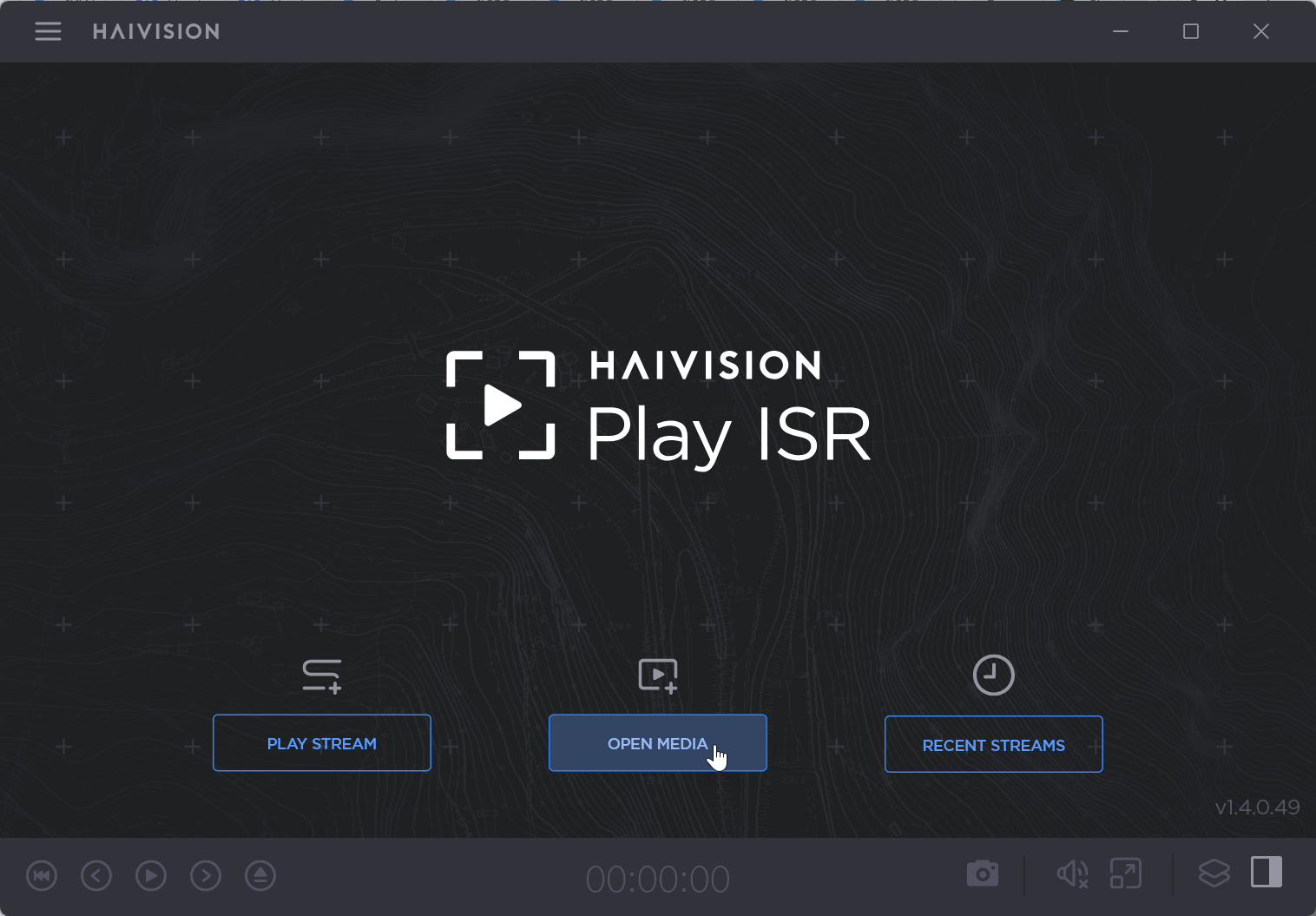
Click Open Media from the home page.

Tip
If there is already a stream or file playing, you can open a new piece of media from the sidebar by clicking  > Open Media.
From your device’s file folder, select the media file you wish to play.
The file begins playing immediately upon upload.
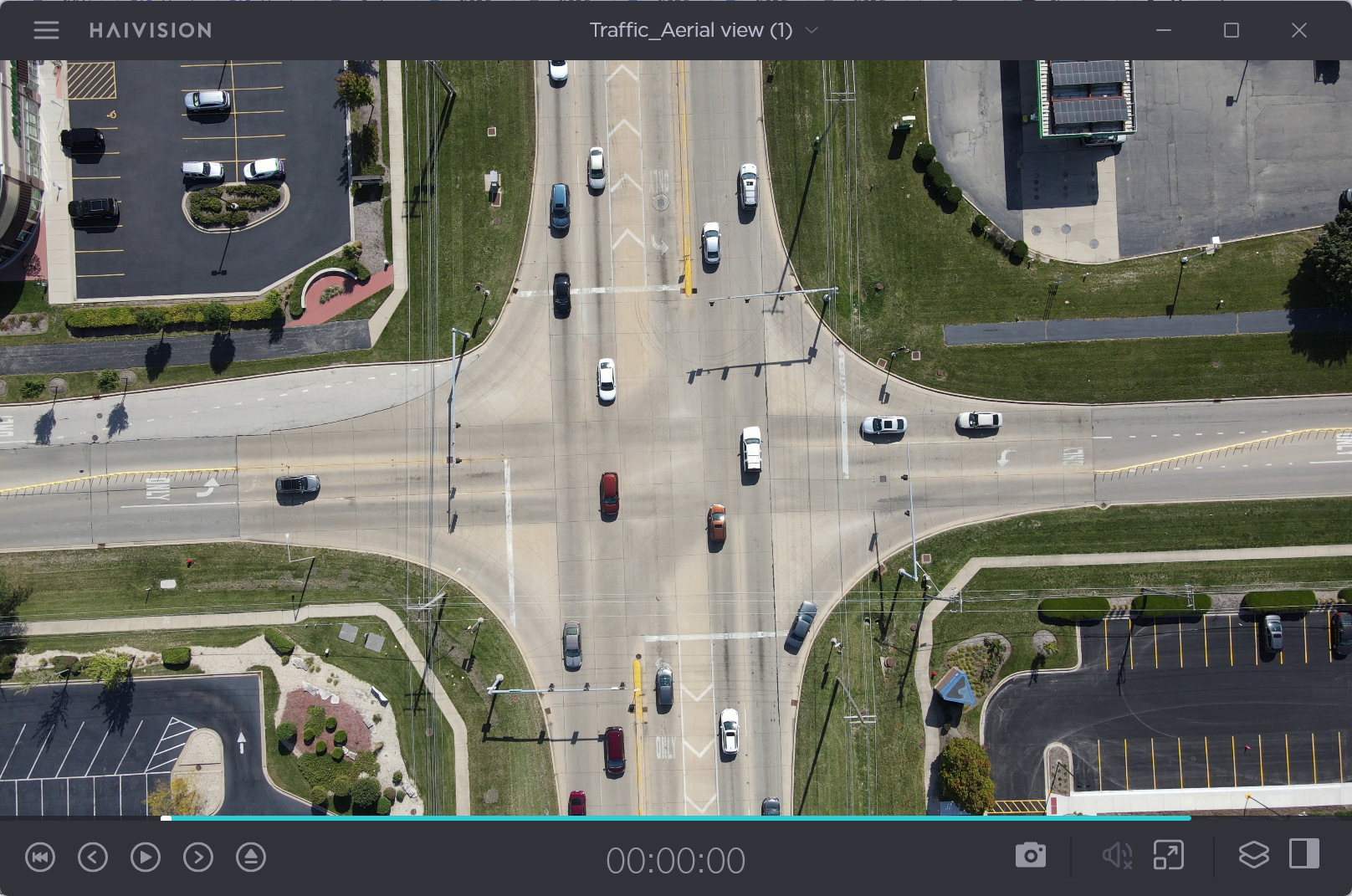
Once your file is playing, you can control the playback settings from the control bar.
See Manage File Playback for details.