
Setting Up a Second Stream
To create a second stream:
From the Streams List View, click the Add Stream button.
Follow the steps in Setting Up Streams to configure the second session, with the two following exceptions:
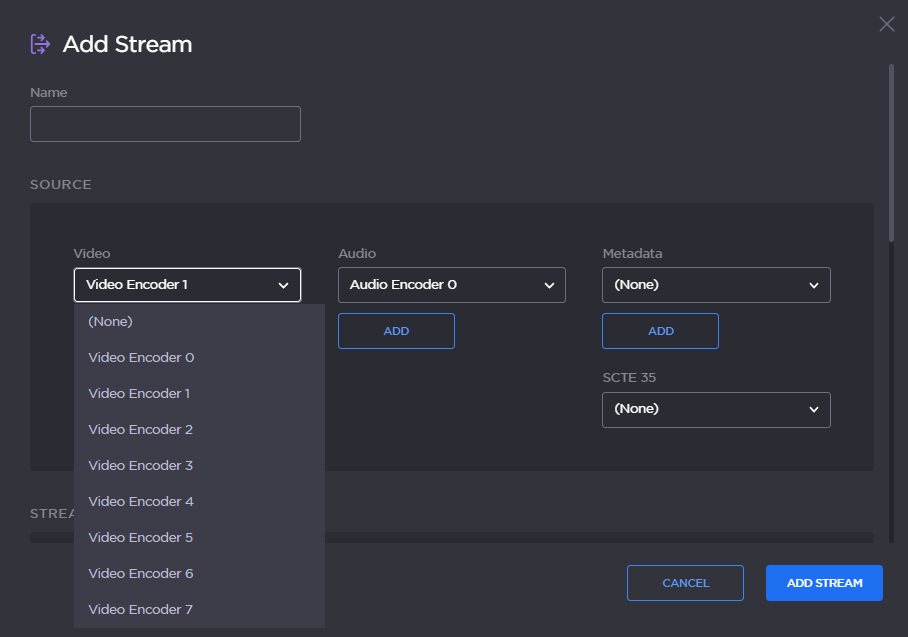
For the Video Source, select a different Video Encoder. For example, if you selected Video Encoder 0 for the first stream, now select Video Encoder 1 (as shown in the following example).
Under Destination, use a different Port number, for example,
2400.
Click Add Stream to start streaming.