
Configure Audio Settings
To configure an audio encoder:
Select the Audio Encoders tab.
The Audio Encoders List View opens.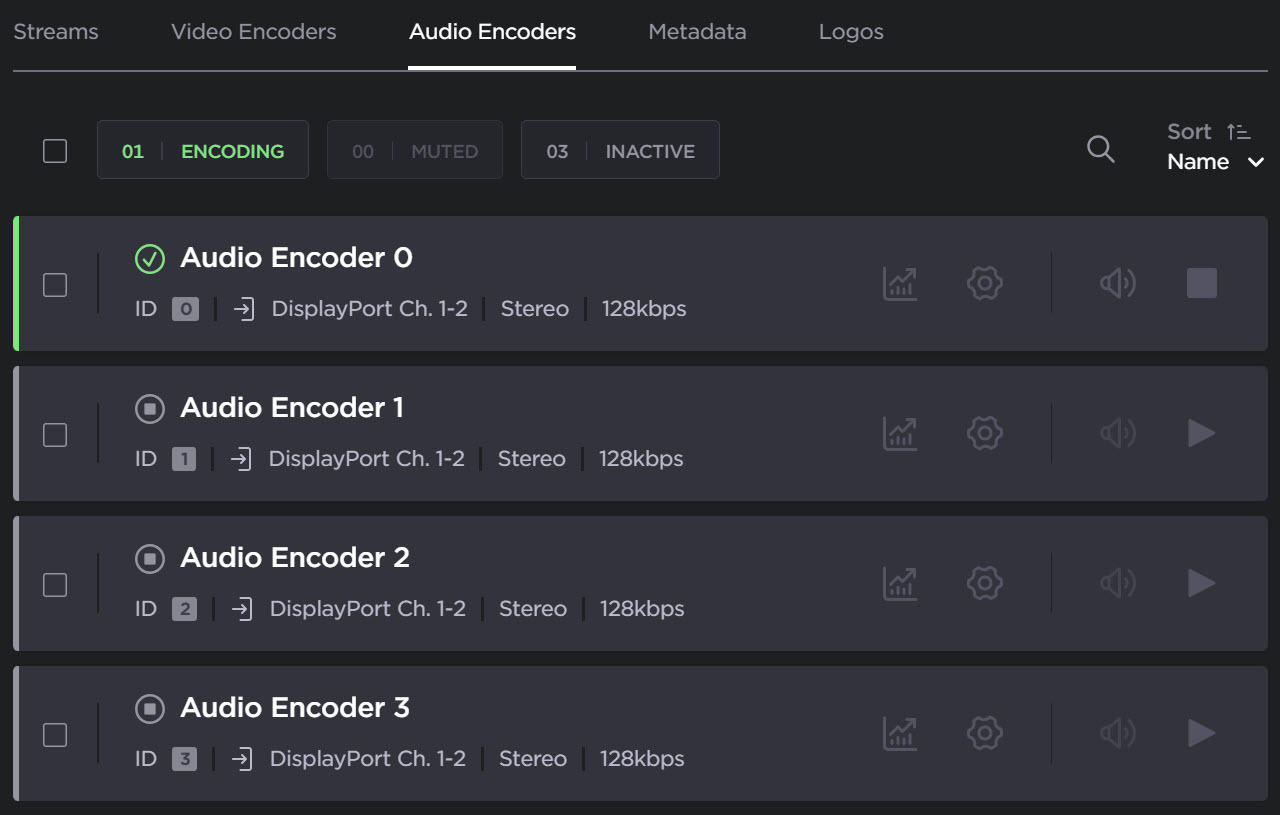
To modify audio encoder settings, click the Settings icon
 on the encoder panel to open the Audio Encoder Detail View.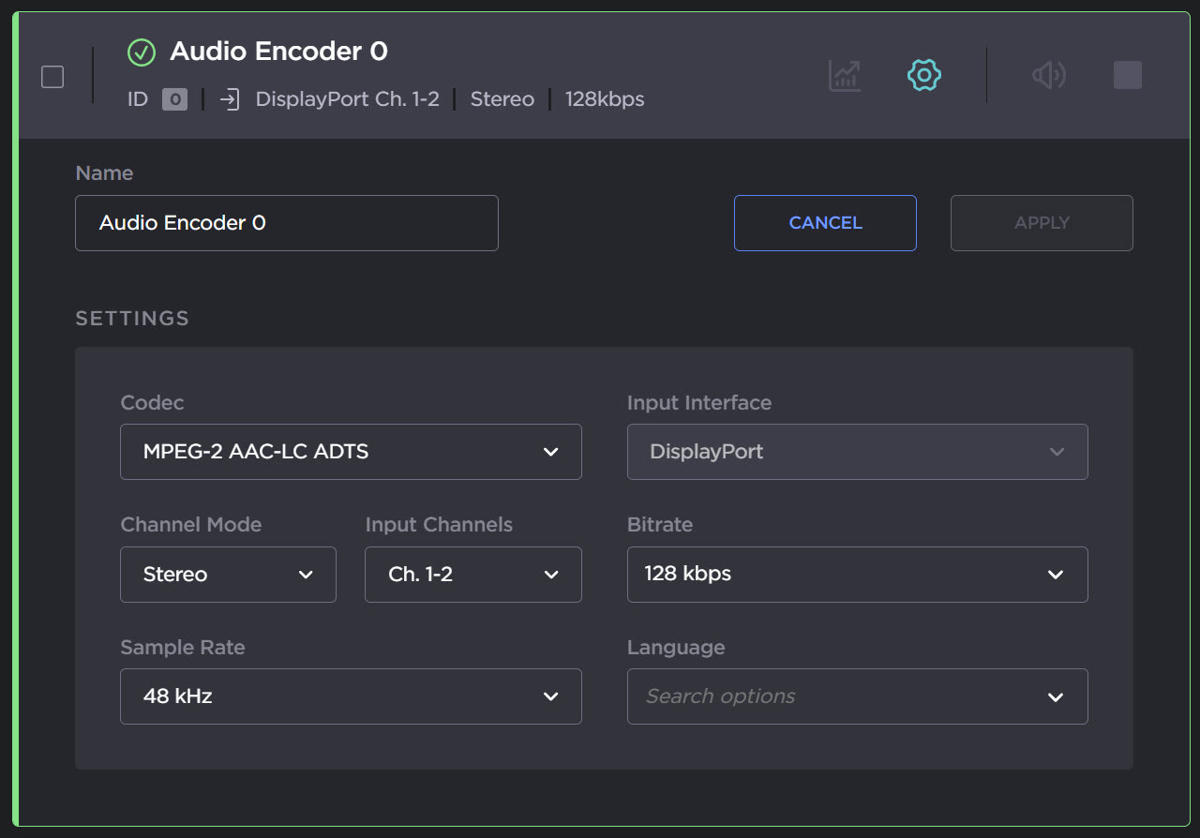
Select or enter the new value(s) in the appropriate field(s).
SeeVideo Encoder Settings in the User's Guide.To enable your changes, click Apply.