
Configure Video Settings
To configure a video encoder to apply to your steam(s):
Click Streaming on the sidebar, and select the Video Encoders tab.
From the Video Encoders List View, click the Settings icon
 on the encoder panel.
The Video Encoder Detail View opens, displaying the settings for the selected video encoder.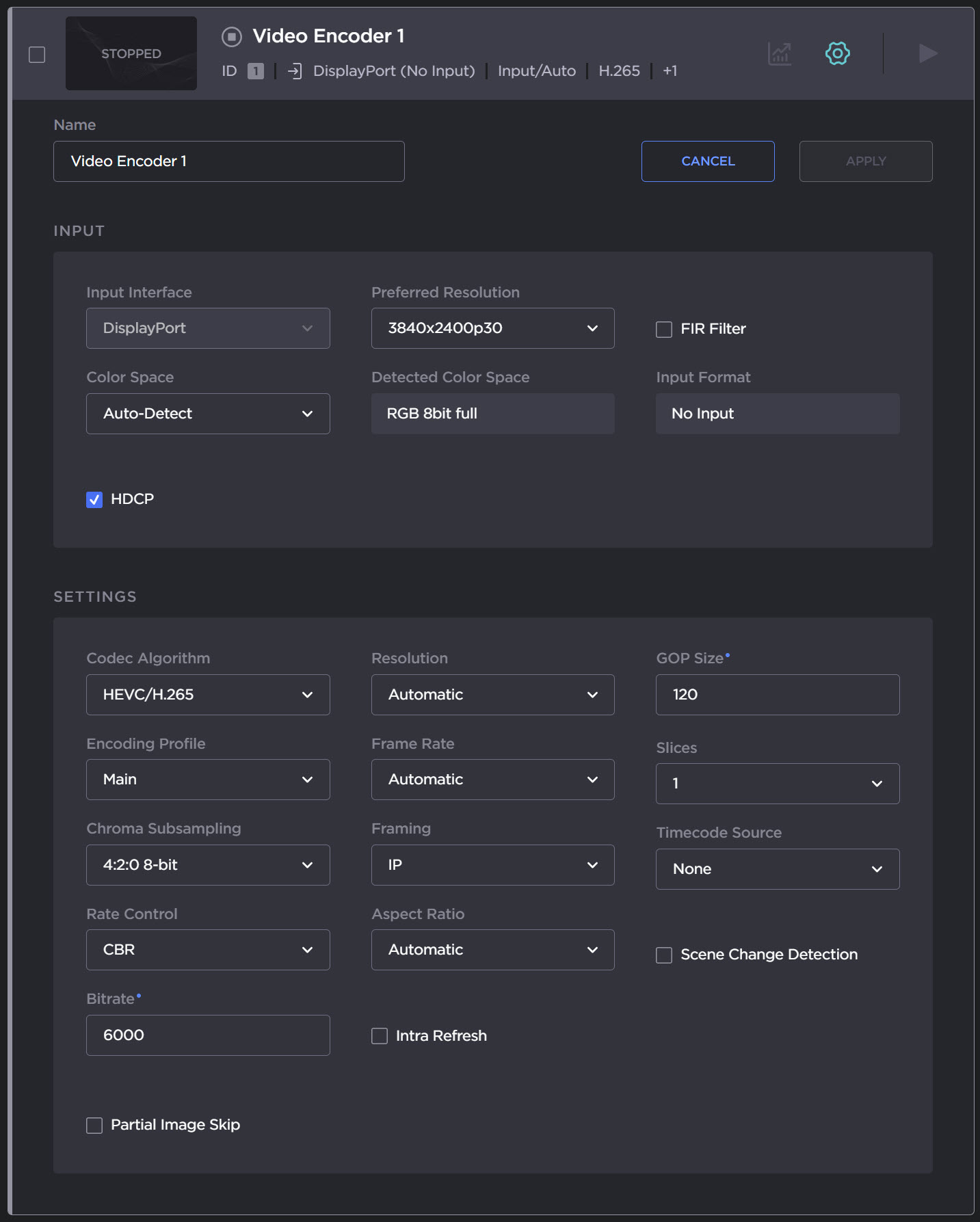
Select or enter the new value(s) in the appropriate field(s).
See (1.1) Video Encoder Settings in the User's Guide.To enable your changes, click Apply.
Related Topics