
Signing Out of the Web Interface
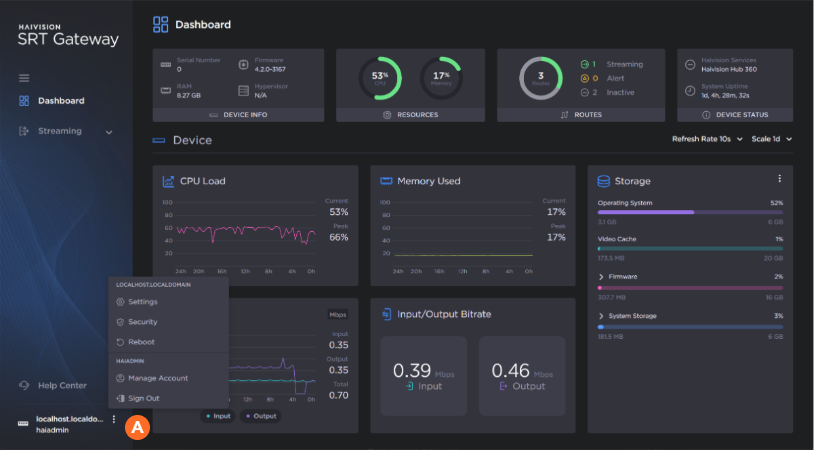
When signed into the Web interface, at the bottom of sidebar click the  icon and click
  Sign Out to sign out of the interface.

Note
If there is no activity over a period of ~2 minutes, the system automatically signs you out of the session.
Related Topics