Starting a Live.
You can start a live manually or you can enable the Auto-live at startup. See Enabling/Disabling Auto-Live at Startup.

Info:
Before starting a Live, you can check the configuration set previously for the device.
From the Home screen, tap to display information:
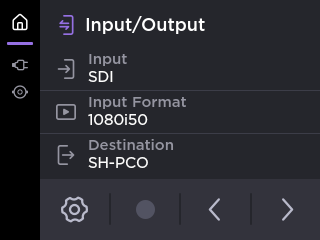
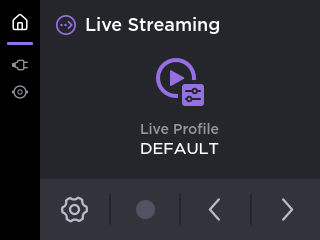
Tap  and
and a Profile that was predefined. Tap
  to confirm.
From the Home screen, tap the preview thumbnail on screen.
Tap
 .
.
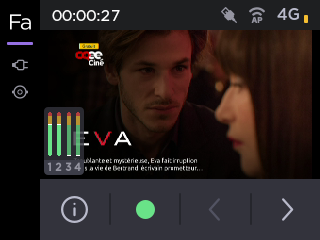
The video preview appears on screen and appears in the bottom bar.
To start the Live:
On the Dashboard, in the Streams section, click the
icon to check that the unit settings are configured and selected as required.Click the Save button.
Click the
 icon to start the Live.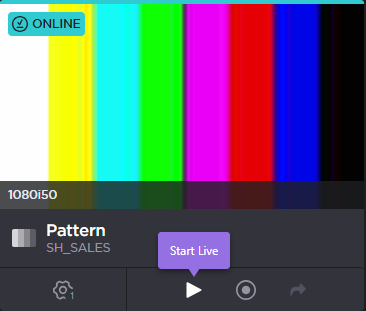
To stop the Live:
Click the
 icon.
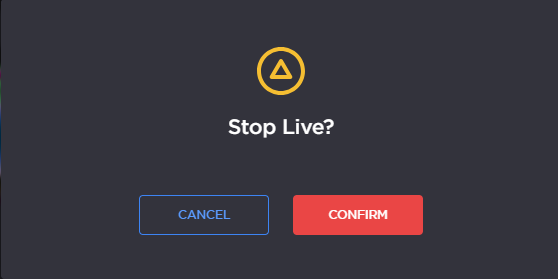
icon.Confirm to stop the video transmission.