
Selecting a Destination Profile
To select a destination Profile from the Web Interface, see the procedure below.
From the Dashboard, in the Streams section, click the
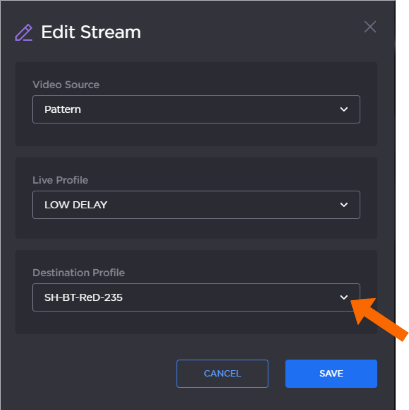
 icon. The device's current settings appear:
Select a pre-defined profile in the Destination Profile dropdown.

Tip
If none appear, see Adding a Destination Profile to add a profile.
Click the Save button.