
Monitoring Ancillary Data

If Ancillary Data is enabled, it may be viewed in the Unit Panel or Web Interface. Choose from the following tabs to view the data.

Unit Panel
  1. From the Home screen, tap Play icon.

  2. Tap

    Arrow Left icon
    to display Ancillary Data.

Web Interface

In the Dashboard, in the Options section, click View 

Arrow Down icon
under Ancillary Data.

A dialog opens, showing the Ancillary Data.
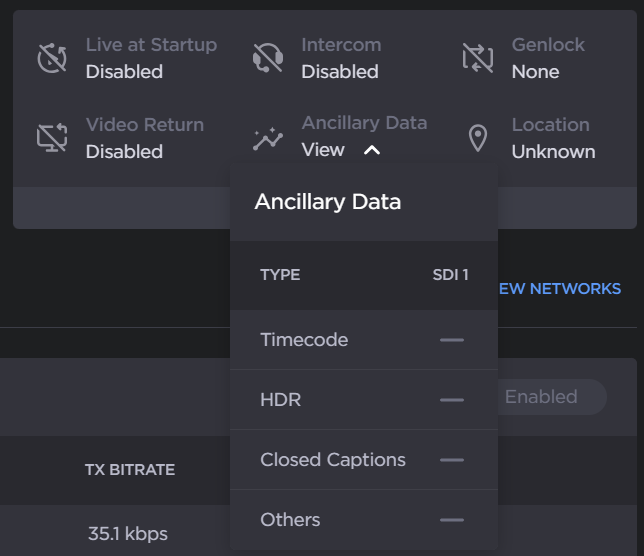
Ancillary Data Single Encode

JavaScript errors detected

Please note, these errors can depend on your browser setup.

If this problem persists, please contact our support.