Editor Testing Page
To start, stop, duplicate, or delete a route: My Page
 | ||
asdfasdf
In the sidebar, click
 Streaming.
In the Routes tab, locate the desired route.
lorem ipsum
To start/stop the route, click the
 Start or
  Stop icon in the route listing.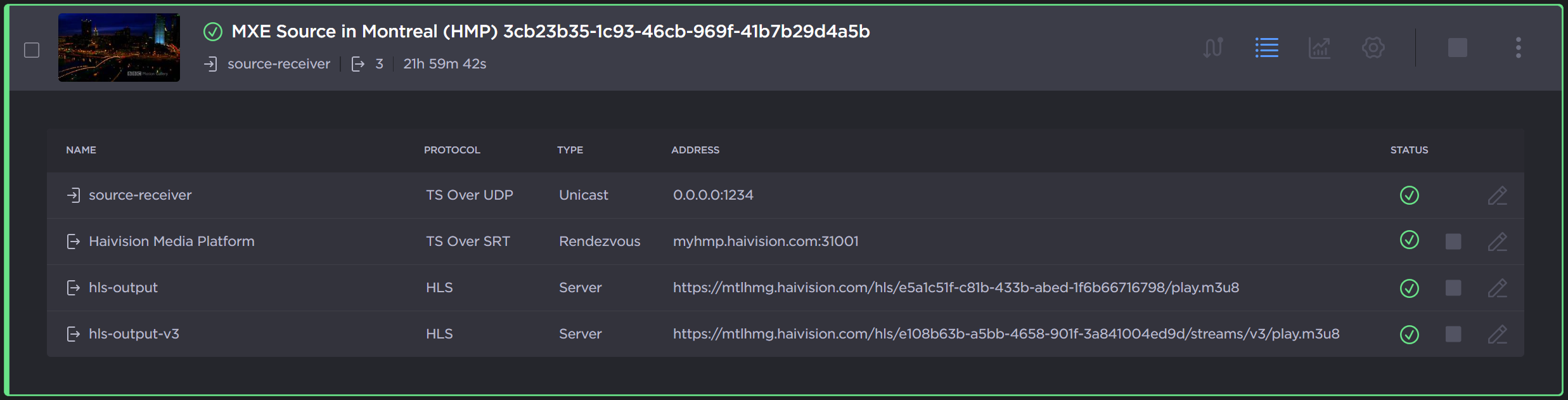
To duplicate or delete the route, click the
 icon and click
  Duplicate or
  Delete.

Tip
You can also stop, start, or delete multiple routes at the same time by using the checkboxes. Check the checkboxes next to the routes you wish to start, stop, or delete, and click the Delete, Start, or Stop button.
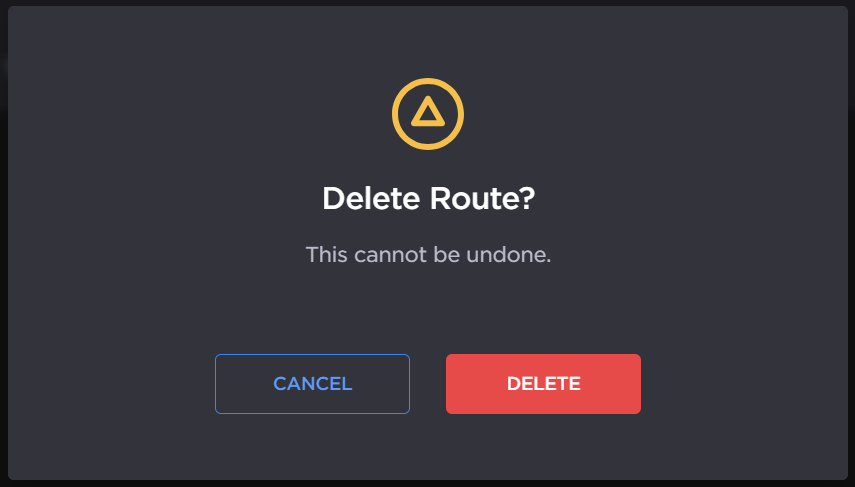
When deleting a route a confirmation dialog appears. Click the Delete button to confirm.