Updating CineLink Firmware
This topic describes how to update CineLink/CineLink KVM firmware via a computer on the same network. The firmware packages for each are as follows:
CineLink:
4.02.00.087CineLink KVM:
CineLinkKVM_Firmware_v3.05.01.001
To update CineLink/CineLink KVM firmware:
Access a computer on the same network as the CineLink devices and obtain the correct firmware package.

Note
If the CineLink updater does not recognize a device you are trying to update, contact Haivision for assistance.
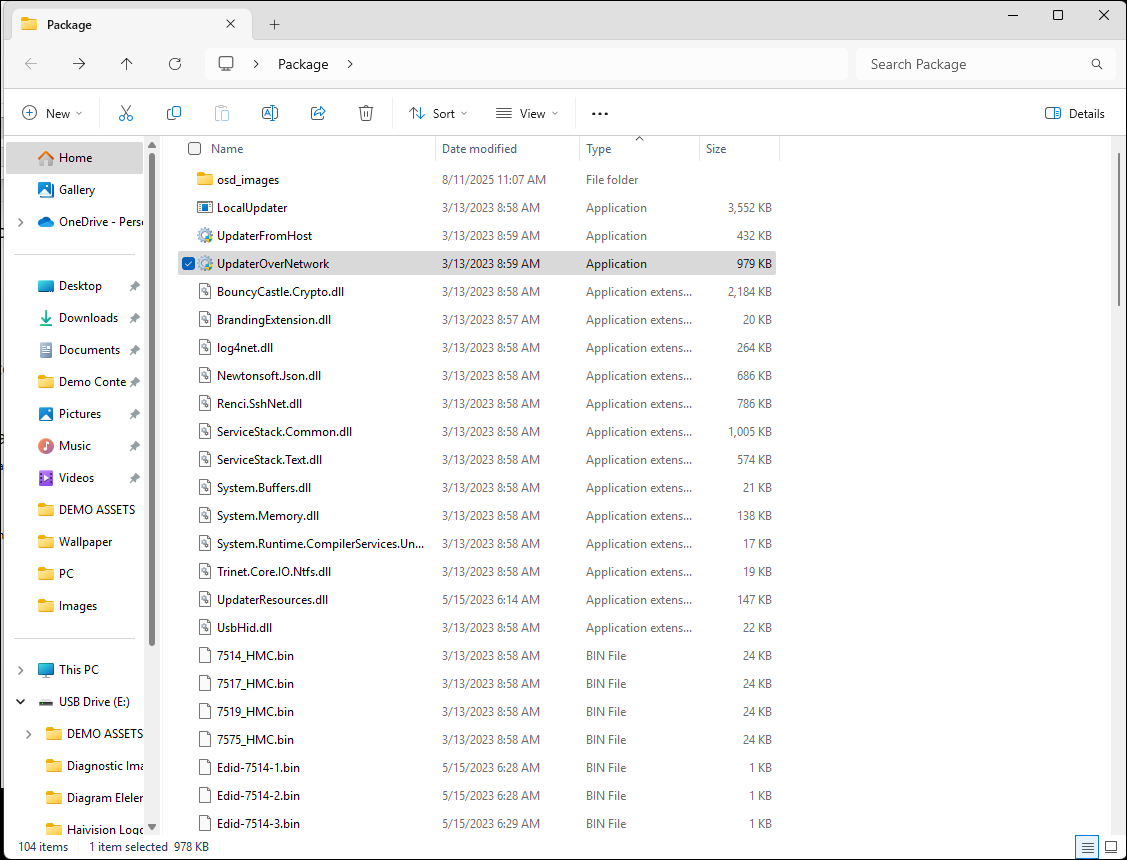
Open File Manager and access the Package folder.
Double click UpdaterOverNetwork.
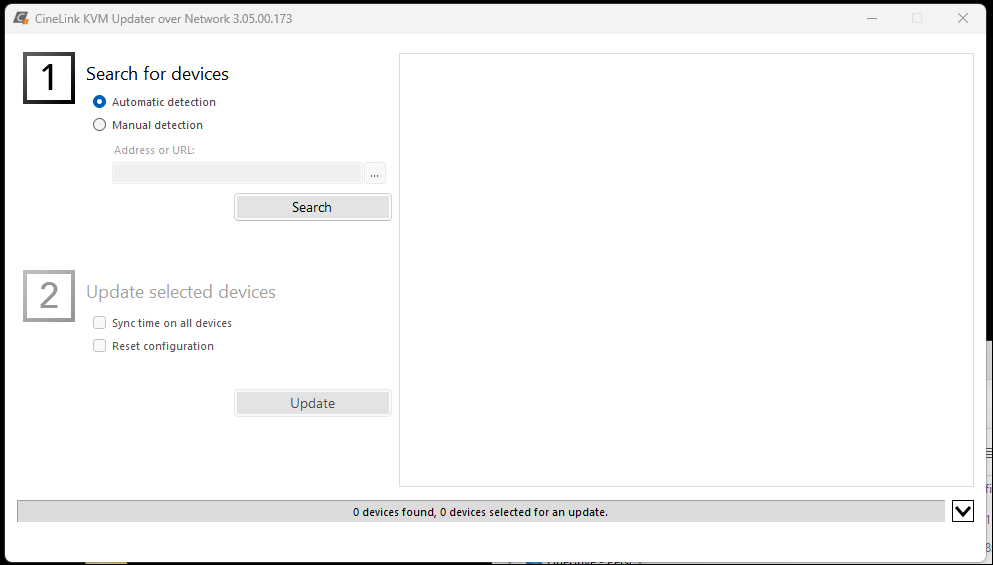
In the Updater over Network application, select Automatic detection and click Search.
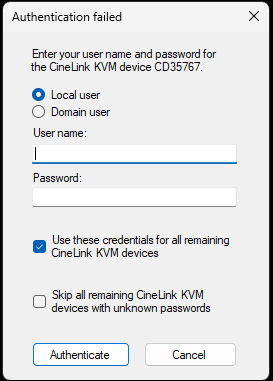
Enter your credentials to access the CineLink devices and click Authenticate.
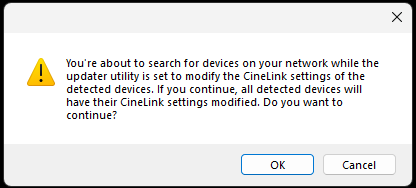
Click OK on the confirmation prompt.
The discovered CineLink devices are updated.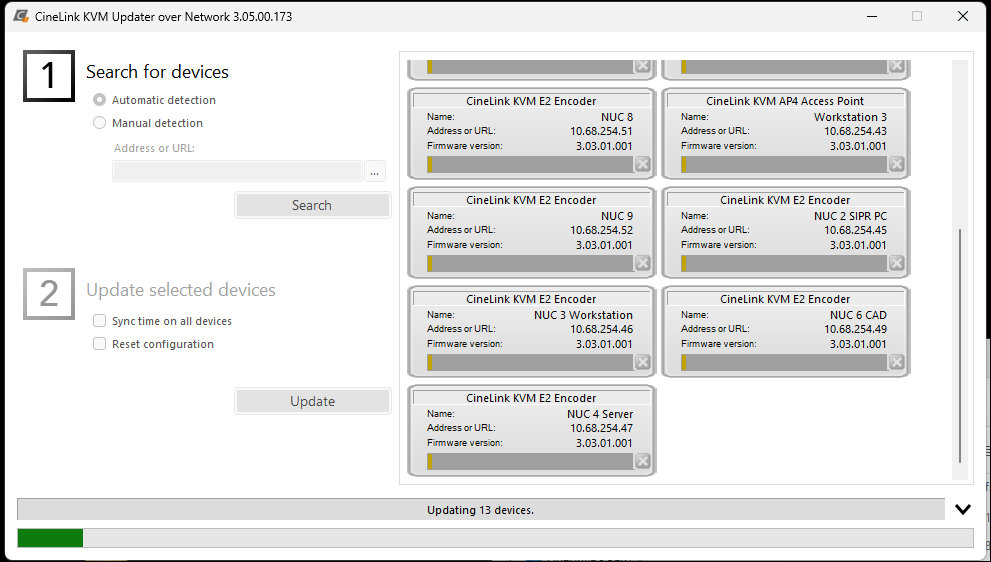
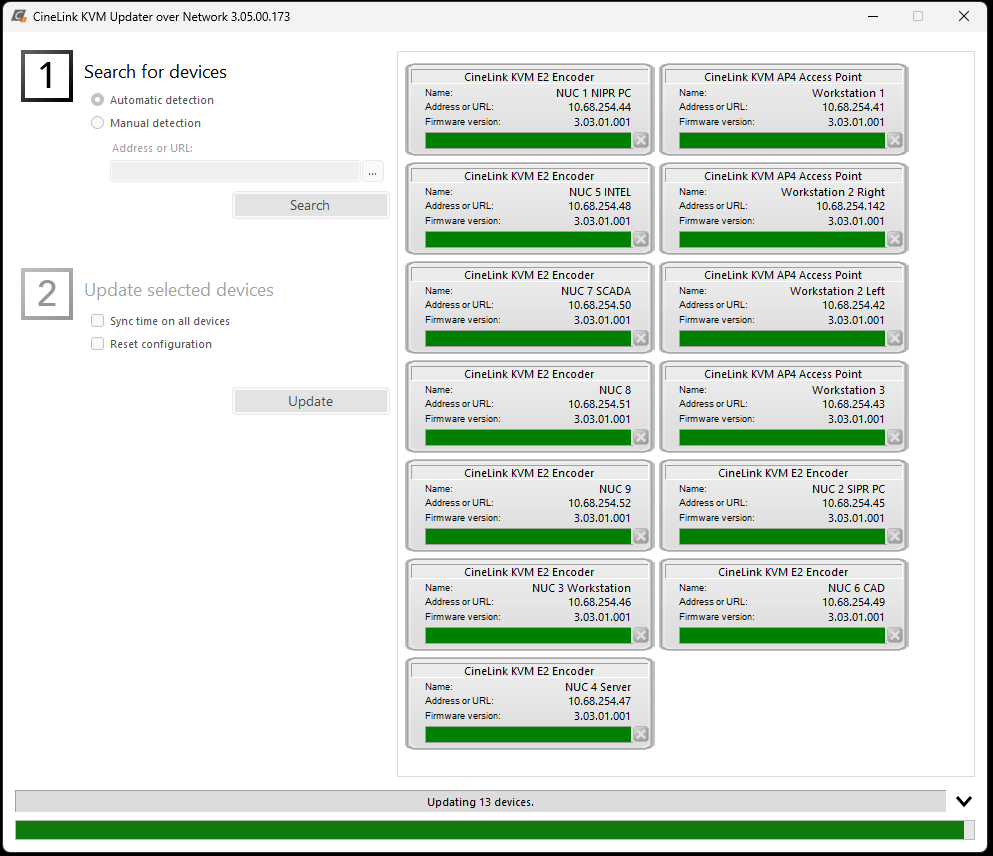
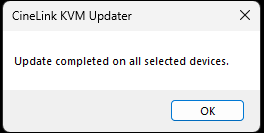
When the update is complete, click OK.