Removing Appliances

Note
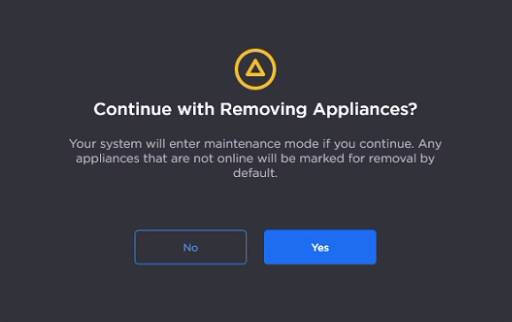
During this process, the system will enter maintenance mode. Any appliances that are offline will be marked for removal by default.
If there are any references (such as Layouts or Behaviors) in Command 360 to the appliance(s) you are removing, they will need to be updated.
To remove appliances from the environment:
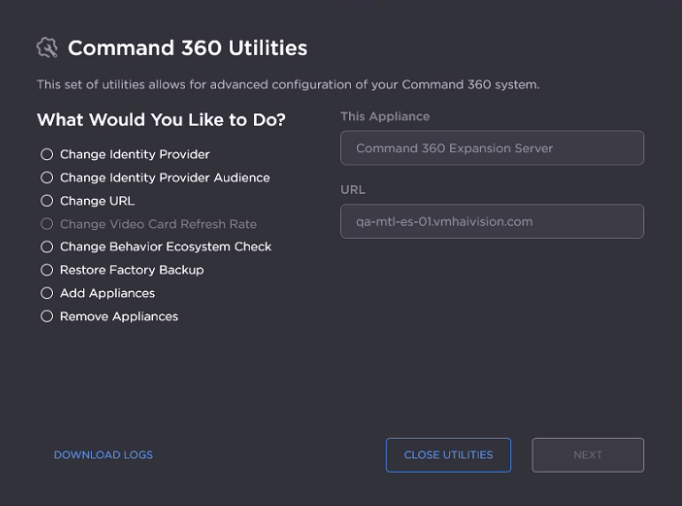
On the Utilities Welcome screen, select Remove Appliances and click Next.
When prompted, click Yes to continue.
Click the checkbox next to each appliance you wish to remove.
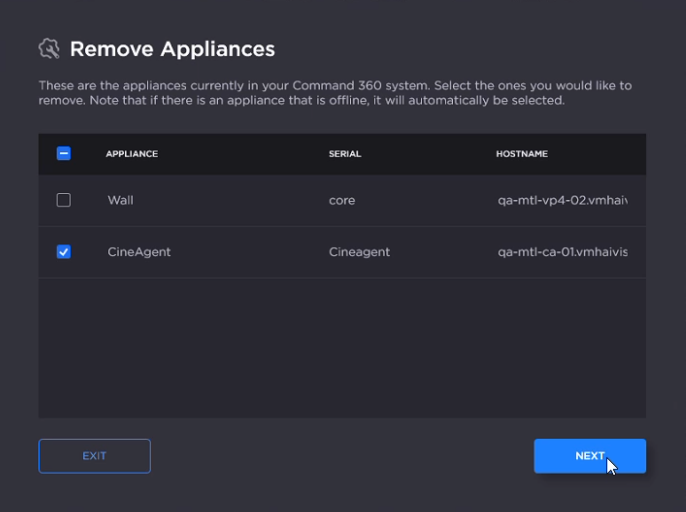
Click Next.
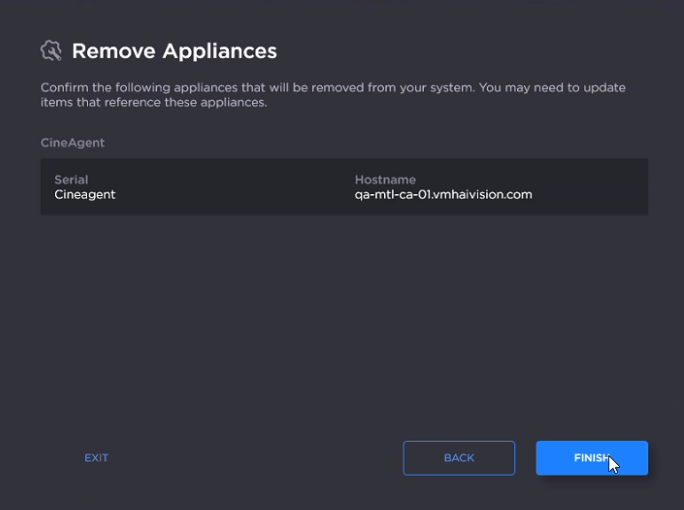
Confirm the appliance(s) to be removed and click Finish.
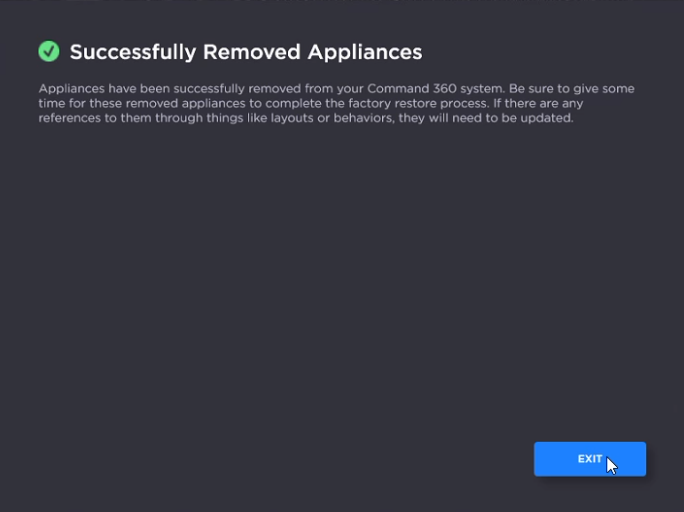
After the success message appears, click Exit.