Starting a Live
From the Home menu, click on
 .
.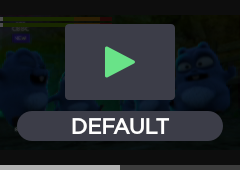
Tap
 to go to the live configuration.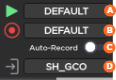
 Selected live profile
 Selected record profile
 Auto-record (on/off)
 Selected destination profile
Tap
 and on to start a Live.
Tap
for more indications, some are displayed as follows: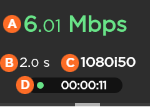 Network bitrate End-to-end Latency Source Standard Duration of Live
Connection Loss during a Live with Simultaneous Record
Recordings of your Live events will continue even if the network connection is lost and Live is interrupted.
If the network connection is lost:
You will receive an error message.
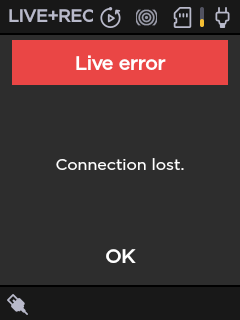
Tap OK to return to the Live preview, where you will see the recording still in progress.
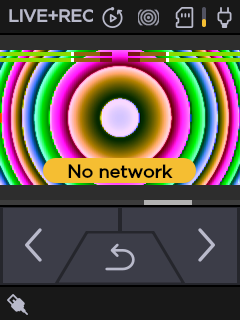
Tap
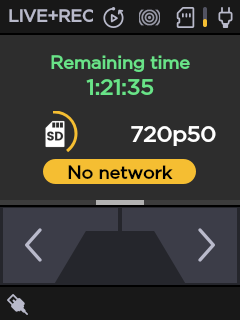
 to view the resolution and remaining recording time possible on the SD card.