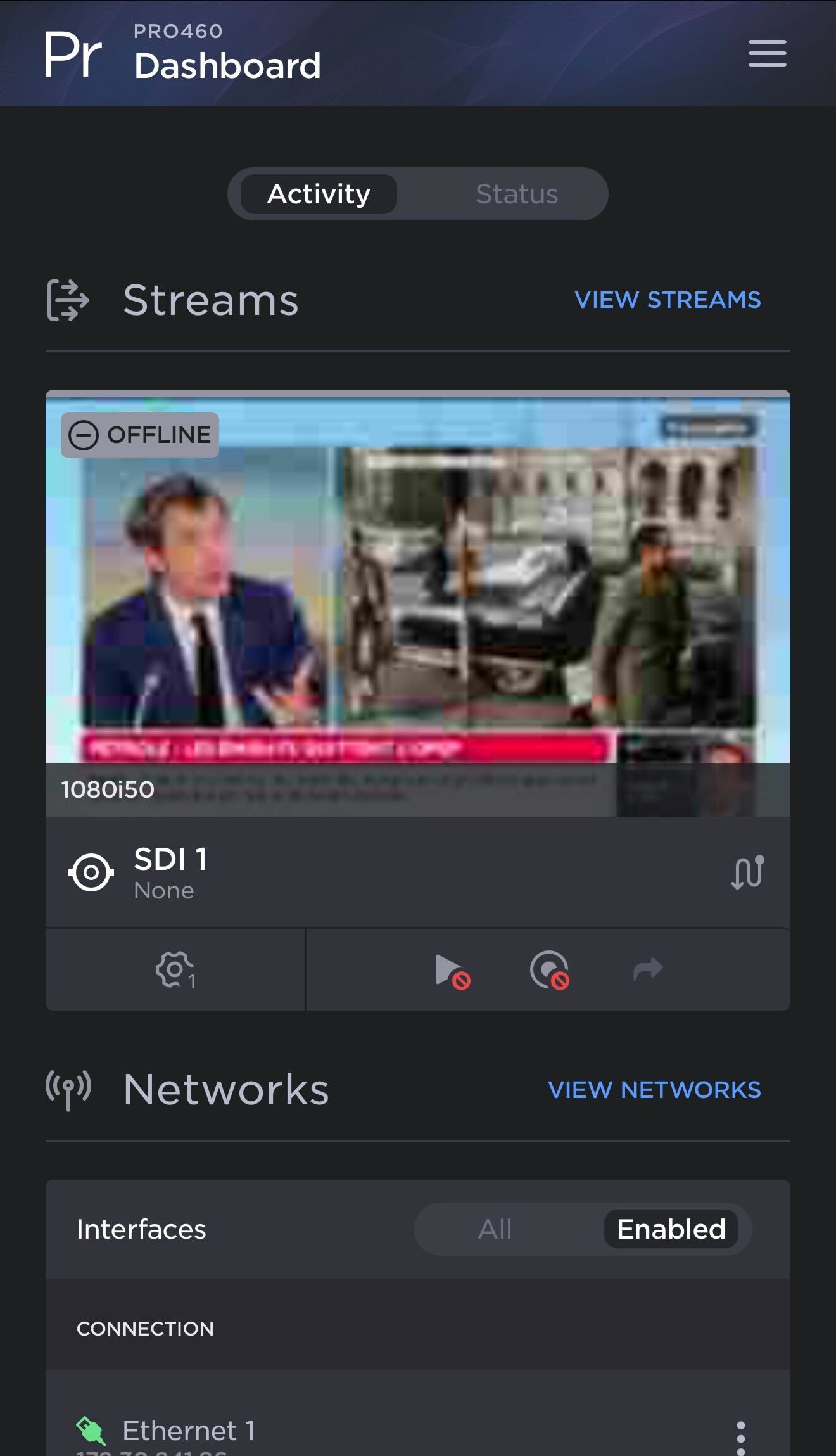
Quick Access Via a QR Code
Tap
 >
> > Configuration > Mobile access.
The unit starts the Wi-Fi Access Point mode.Scan the QR code to connect to the access point.
Tap
 .
.Scan the second QR code to connect to access the Web Interface.
The sign-in screen opens: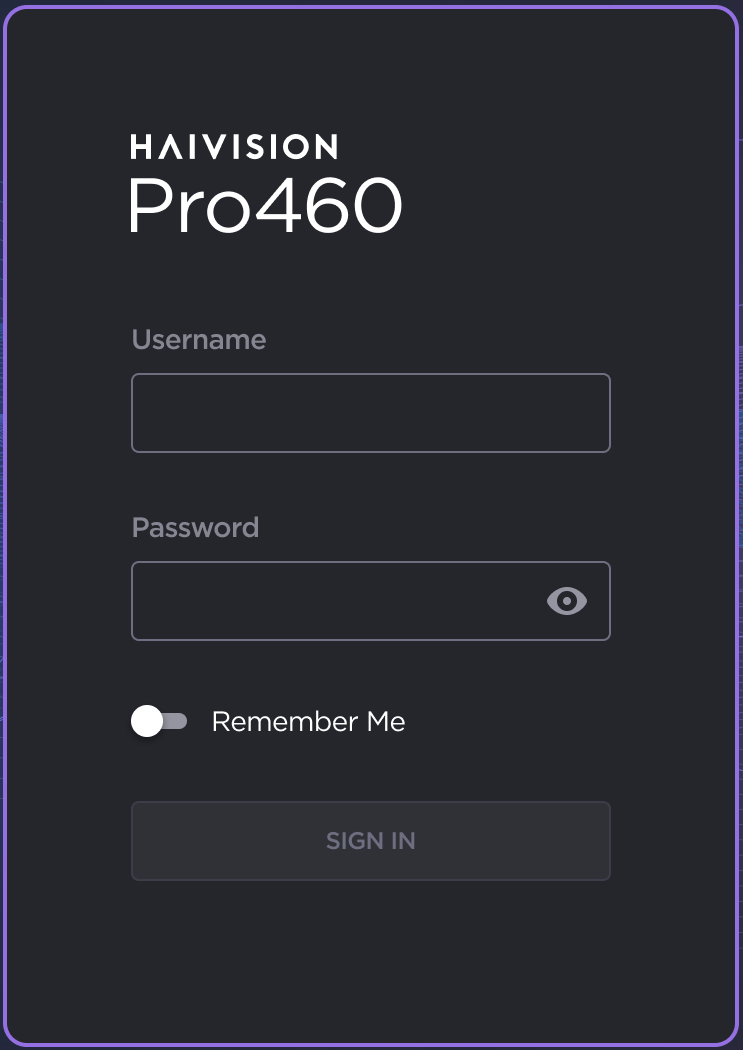
Pro 460 Sign In Screen
Enter the username and password.
If this is your first sign-in to the transmitter, you are prompted to change the default password. Enter a new password following the recommendations in the New Password field and click the Change button.
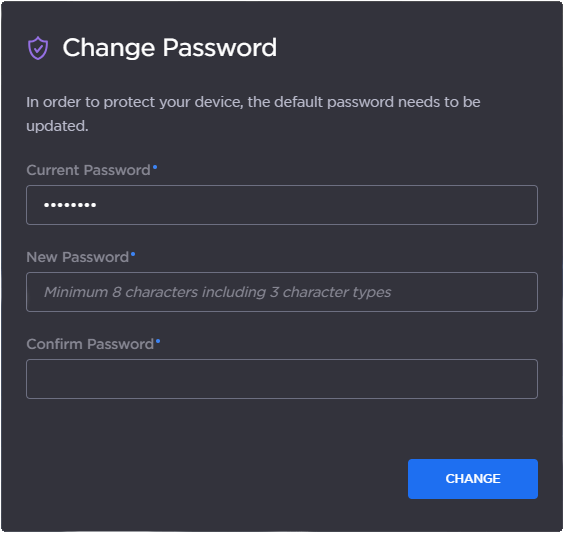
Change Password
The unit's web interface opens.